Email Identities API: How the Options Compare in 2026

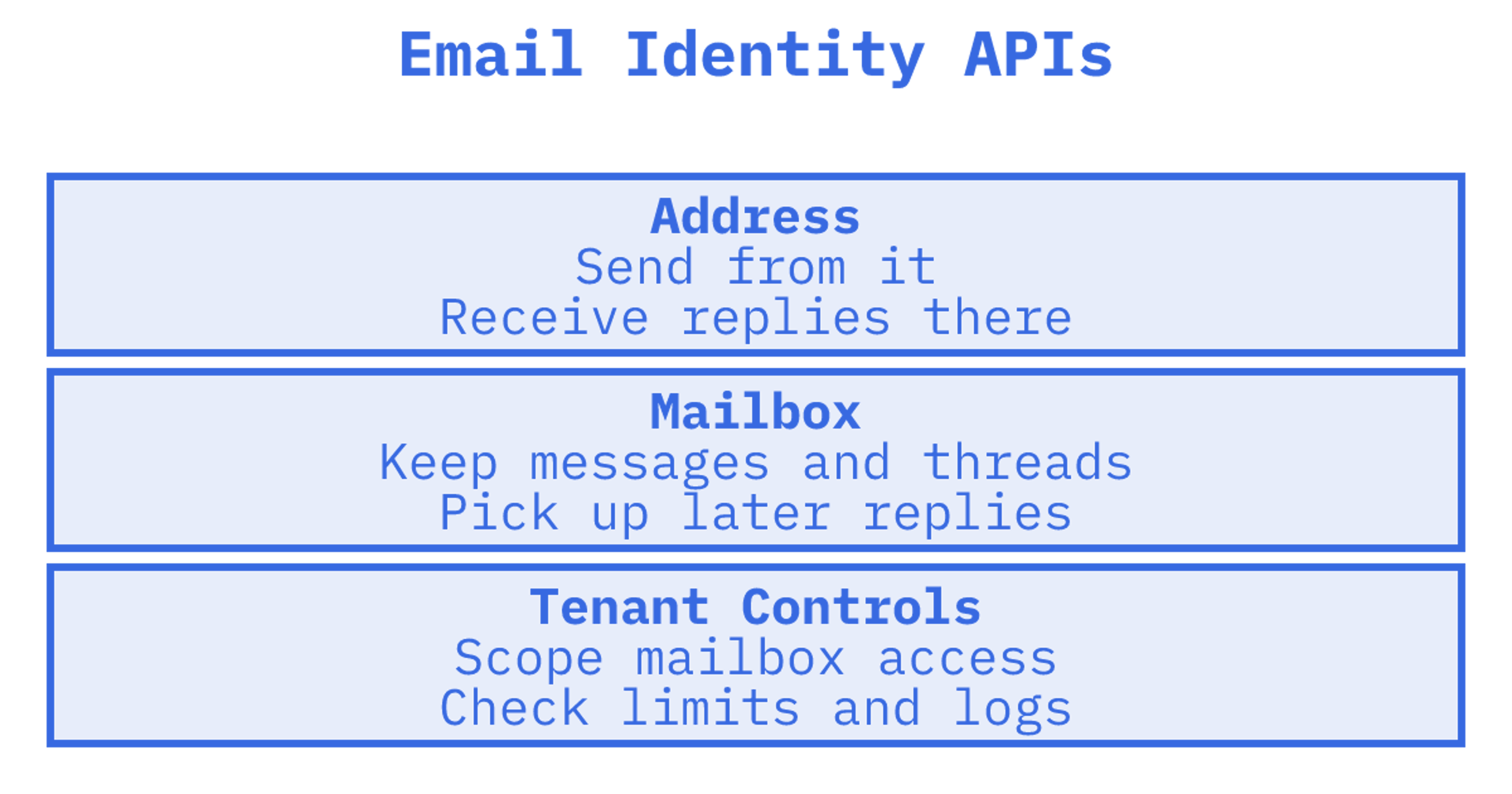
An email identity API gives each agent, customer or tenant its own real address and lets your code send from it, receive into it and read the thread afterwards. The options come from three families of email API. In Qubrics, use the Mailbox API to read stored mail and the Sending API to route outbound messages through configured providers.
This guide explains what "identity" means in practice, compares the main options on the criteria that matter for agent and multi-tenant workloads, and shows what to check before you commit.
TL;DR
- An email identity is a persistent address with its own state: messages, threads, folders, quotas, logs and keys. It is more than a "from" field.
- Transactional APIs send, mailbox APIs read existing inboxes, and cold email tools run outreach. Agent products usually need parts of all three.
- Qubrics supports mailboxes on @myagent.mx or a custom domain verified for sending and receiving, within the team's limits. Send through connected Gmail OAuth, Outlook or custom SMTP accounts, or use managed Amazon SES.
- Free costs US$0 per team and Pro costs US$7 per month per team, plus usage. Outbound usage is billed per provider-accepted recipient occurrence, inbound per distinct mailbox delivery and storage per decimal GB-month.
- Check six things before choosing: isolation, inbound handling, domain verification, quotas, logs and failover.
Table of Contents
1. What an email identity API actually manages
An email API lets code send, receive or manage email over HTTP instead of speaking SMTP or IMAP directly. That is the definition used in Swarmhit's 2026 email API guide, which also divides the market into three families. The term "email identity" is narrower and more useful for agent builders: it is the full set of things that make one sender and receiver distinct from every other.
For an agent or a tenant, an identity typically means:
- An address. A real address the outside world can write to, on a shared domain or your own.
- A mailbox. Stored messages, threads, folders and attachments that persist between agent runs, so the agent can pick up a conversation next week.
- Credentials and scope. Keys that let one agent touch one mailbox and nothing else.
- Limits. Quotas per mailbox and per provider, so one noisy tenant cannot burn the sending reputation of everyone else.
- Records. Delivery logs, bounces and suppressions that belong to that identity.
- Domain authentication. SPF, DKIM and DMARC records, the DNS settings that prove a domain's mail is genuine.
The visible part of an identity, the name and signature a recipient sees, matters too. If your product lets tenants set their own look, email signature design that renders properly in Gmail, Outlook and Apple Mail is worth planning alongside the API, because the API controls the sender, not how every client draws the footer.
2. The three families of email API
Swarmhit's guide splits the field into transactional APIs (it lists Amazon SES, Mailgun, Postmark, Resend and SendGrid), mailbox APIs (Gmail API, Microsoft Graph, Nylas, Unipile, EmailEngine, Aurinko) and cold email APIs that run outreach from pools of mailboxes. Swarmhit's description of the three families is a good map, and each family answers a different question.
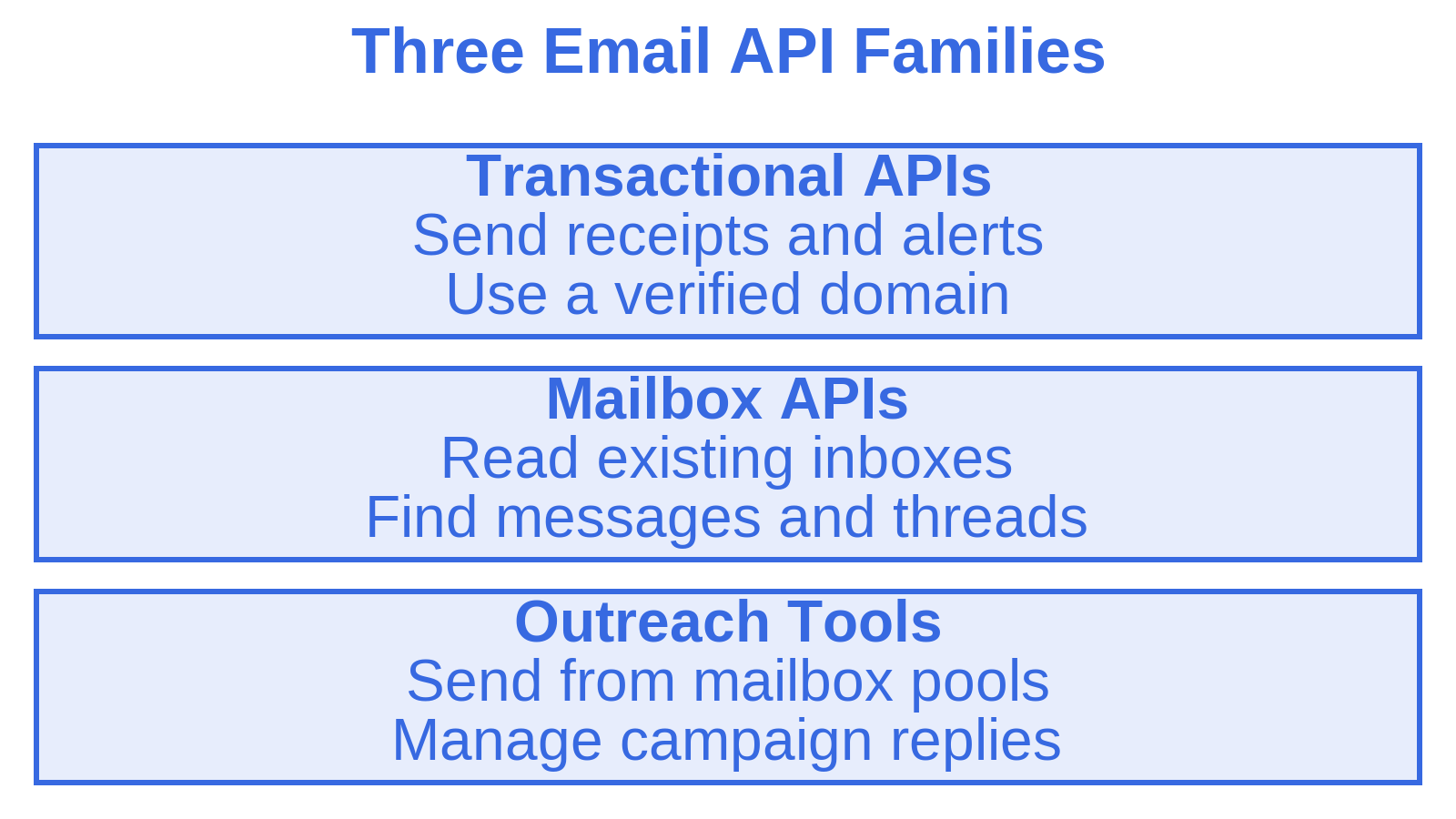
Transactional APIs send your application's messages from the provider's servers on your domain. They are built for receipts, password resets and notifications. The identity is mostly a verified domain and a from-address.
Mailbox APIs work inside users' existing inboxes. They are the route when your product needs to read a customer's own Gmail or Outlook account. DewEngine's guide advises keeping mailbox access and outbound delivery separate: the Gmail API for Google mailboxes, Microsoft Graph for Outlook and Microsoft 365, and IMAP with SMTP submission elsewhere, since IMAP itself does not send mail.
Cold email and outreach tools run campaigns from pools of mailboxes, with warm-up and rotation as their centre of gravity.
An AI agent rarely fits one family. A support agent needs to receive, thread and reply, which is mailbox behaviour. It also needs reliable outbound delivery, which is transactional behaviour. A sales agent adds rotation across sender domains, which is outreach behaviour. That overlap is why teams end up with a sending provider, a Gmail OAuth connection, a parser and a webhook relay, each with its own billing and failure modes.
3. How the main options compare
The table compares categories on what an agent builder needs. Named products are examples from the research; the Qubrics row describes the product as we publish it.
| Option | Identity model | Inbound and threads | Outbound | Best fit |
|---|---|---|---|---|
| Qubrics | Persistent mailbox per agent, customer or tenant, within plan limits, on @myagent.mx or a custom domain verified for sending and receiving | Mailbox API for messages, threads, folders, attachments and keywords, with optional HTML and quoted-history stripping | Sending API for connected Gmail OAuth, Outlook and custom SMTP accounts or managed Amazon SES. Connected providers can be grouped for routing | Agents and multi-tenant products that need stored mail and provider-routed outbound |
| Transactional APIs (Amazon SES, Postmark, Resend, SendGrid, Mailgun) | Verified domain and sender address | Varies by product; Mailgun Routes, for example, forward matching inbound mail to an address or a URL | Send from the provider's servers | App notifications and receipts |
| Mailbox APIs (Gmail API, Microsoft Graph, Nylas and similar) | The end user's own existing account | Work inside users' inboxes | Through the connected account | Reading a customer's own inbox |
| Agent inbox services (AgentMail and similar) | Isolated inbox boundaries per customer | Per-customer inboxes, threads and drafts | Provider-defined | Agent-only inbox use |
| Cold email tools (Instantly, Smartlead, lemlist and similar) | Pool of outreach mailboxes | Reply handling for campaigns | Campaign sending | Outbound campaigns |
On the agent inbox row, Mastra's August 2026 roundup describes AgentMail's multi-tenant model as separate Pods per customer, each holding its own inboxes, domains, threads and drafts, with API keys and webhooks scoped to a Pod or an inbox. It describes Mailgun Routes as a filter plus actions, such as forwarding matching inbound mail to an application URL by HTTP POST. These are the patterns to measure any option against: a hard boundary per customer, and routing rules for inbound.
Qubrics combines persistent agent inboxes with a Sending API for outbound mail through your configured providers.
4. Six checks for agent and multi-tenant workloads
Whichever way you lean, run each candidate through these six checks. They are the places where agent email projects tend to hurt.
Isolation
Can one tenant's mailbox, keys and logs be separated from another's? An agent with access to the whole account is a data-leak waiting to happen. Give each tenant or agent a separate Qubrics mailbox within your plan's limits. Scope each mailbox key to that mailbox. Use scoped webhook subscriptions for its delivery and inbound events. Our write-up on per-tenant email identity walks through the model, and the multi-tenant isolation and suppression checks cover what to verify before launch.
Inbound handling
An agent does not want a raw MIME thread. It wants the new reply, cleanly. The Qubrics Mailbox API can strip quoted history from a reply. Request HTML when you need it, or use the raw body endpoint for the original message body. Message list and count endpoints filter on folder, thread, sender, recipient, subject, body, headers, size, keywords, dates, attachment presence and unread status. Use the thread filter on its own. A count endpoint answers "how many" without returning rows, and search-snippets returns previews without pulling bodies, which keeps payloads and token costs down. Sync endpoints return state tokens so an agent polls for changes instead of re-listing the inbox. The Mailbox API guide goes through these in detail, and the inbound email API setup takes five steps.
Domain verification
Every sender domain needs SPF, DKIM and DMARC, and doing it by hand across dozens of tenant domains is slow. Qubrics mailboxes can use a custom domain verified for sending and receiving. An agent can register on the included @myagent.mx domain without editing its own DNS. An owner still has to accept the invitation and approve sending. The domain verification guide explains the records.
Quotas
Look for limits per mailbox and per provider, not just one account-wide cap. Per-mailbox and provider quotas stop one agent from exhausting a Gmail account's daily allowance for everyone.
Logs and suppressions
You need delivery logs, bounce visibility and suppression lists you can read per tenant, and webhooks for event streaming. Without them, a support ticket that says "my email never arrived" becomes a long investigation.
Failover
If your only provider rate-limits or suspends an account, the agent goes silent. Weighted delivery and failover across providers means a second route takes over. Qubrics supports connected Gmail OAuth, Outlook and custom SMTP accounts, plus managed Amazon SES. Delivery groups route across eligible connected providers. Managed Amazon SES is separate from delivery groups. The sending API with provider failover is the page for that.
5. Which option for which agent
Support and customer-success agents read an inbound message, look up context and reply in thread. The Qubrics Mailbox API can read the stored thread and send from the authenticated mailbox. In your reply tool, use in_reply_to and references as inputs for the In-Reply-To and References email headers.
Scheduling and executive assistant agents need a stable address that other people can write to and a history the agent can search. Persistent mailboxes with filtered retrieval fit this directly.
Research and monitoring agents read a lot of inbound mail and act on a little of it. Counts, snippets and state-token sync let them scan cheaply.
Sales and outbound agents need rotation across sender domains and providers, per-provider quotas and reply threading with inbound routing. Our sales outreach agent use case covers it.
Vertical workflow agents process a specific kind of inbound mail. Insurance is one example: insurance email automation triages broker and agency requests. Whatever the vertical, the agent still needs a real address and a mailbox beneath it.
Product teams sending transactional email can use the Sending API for outbound and the Mailbox API for incoming replies. The platform builders page describes that setup.
Developers in agent frameworks and terminals can use Qubrics through REST, SDKs or the CLI for API coverage. MCP exposes a curated set of authorised mailbox tools.
6. Building it yourself versus using an API
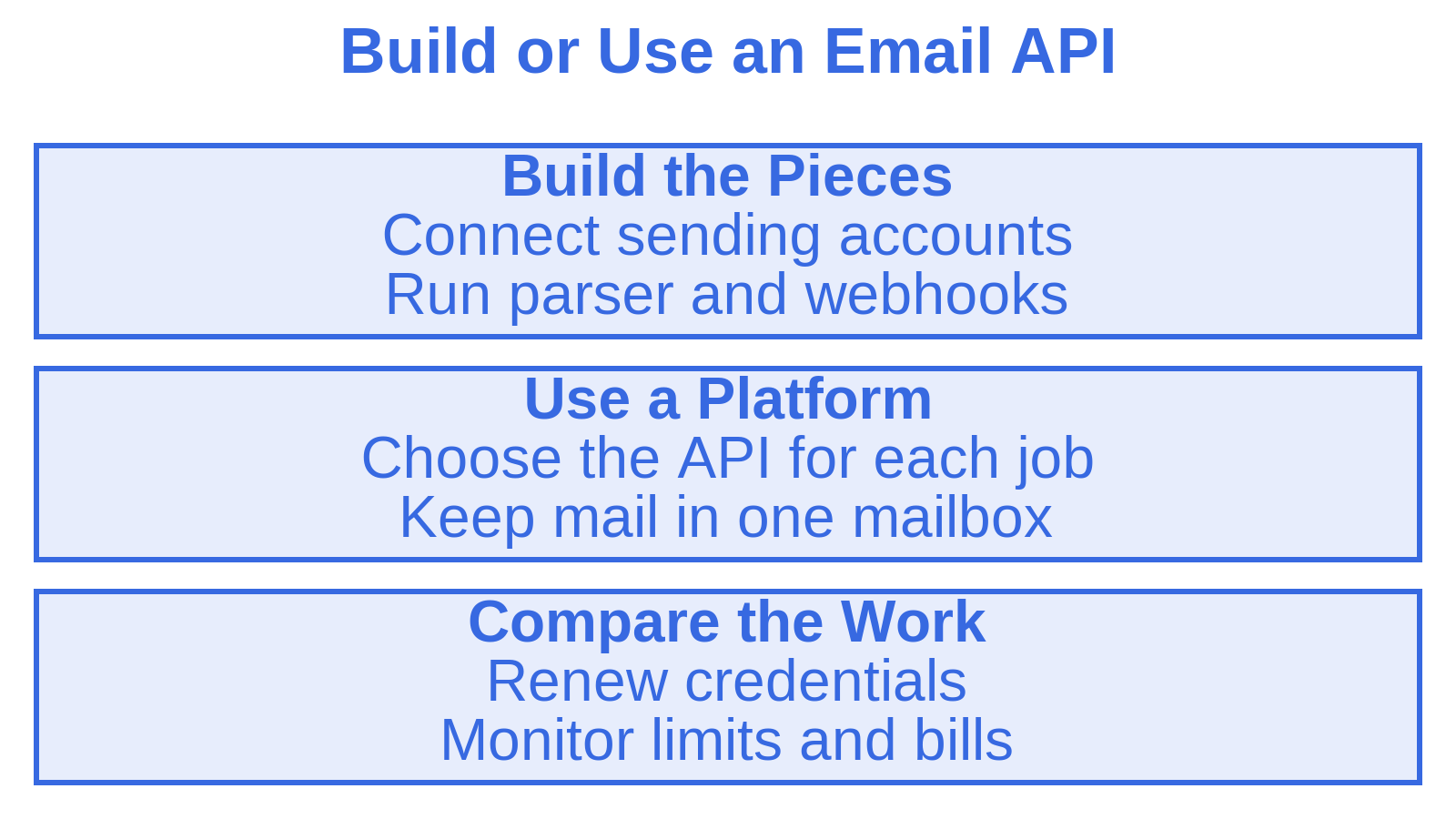
The do-it-yourself route usually means a mail server or a provider account, a Gmail OAuth connection, an inbound parser, a webhook relay and separate billing. DewEngine's guide notes that provider APIs expose capabilities, identities, change streams and administrative controls that IMAP cannot standardise, which is the core reason polling scripts become fragile at scale. Each added piece brings its own token expiry, rate limit and monitoring need.
The case for one platform is operational. Use the Management API to manage domains and create mailboxes. Use the Mailbox API to read quotas and stream mailbox events. Our multi-tenant infrastructure page describes the pieces, and the best email API for developers guide compares the approaches.
7. What it costs
Qubrics pricing is usage-based, as published on the pricing page:
| Item | Price |
|---|---|
| Free plan | US$0 per month per team |
| Pro plan | US$7 per month per team |
| Enterprise | Custom contract pricing |
| Connected outbound | US$0.0005 per provider-accepted recipient occurrence |
| Managed sending | US$0.00075 per provider-accepted recipient occurrence |
| Inbound | US$0.0005 per distinct mailbox delivery |
| Storage | US$0.02 per decimal GB-month |
The Free and Pro tiers use the rates above for outgoing mail, incoming mail and storage. For a team moving from per-inbox pricing, estimate those three usage lines as well as the team fee. Prices were read from the site in September 2026; check the pricing page for current figures.
Where to start
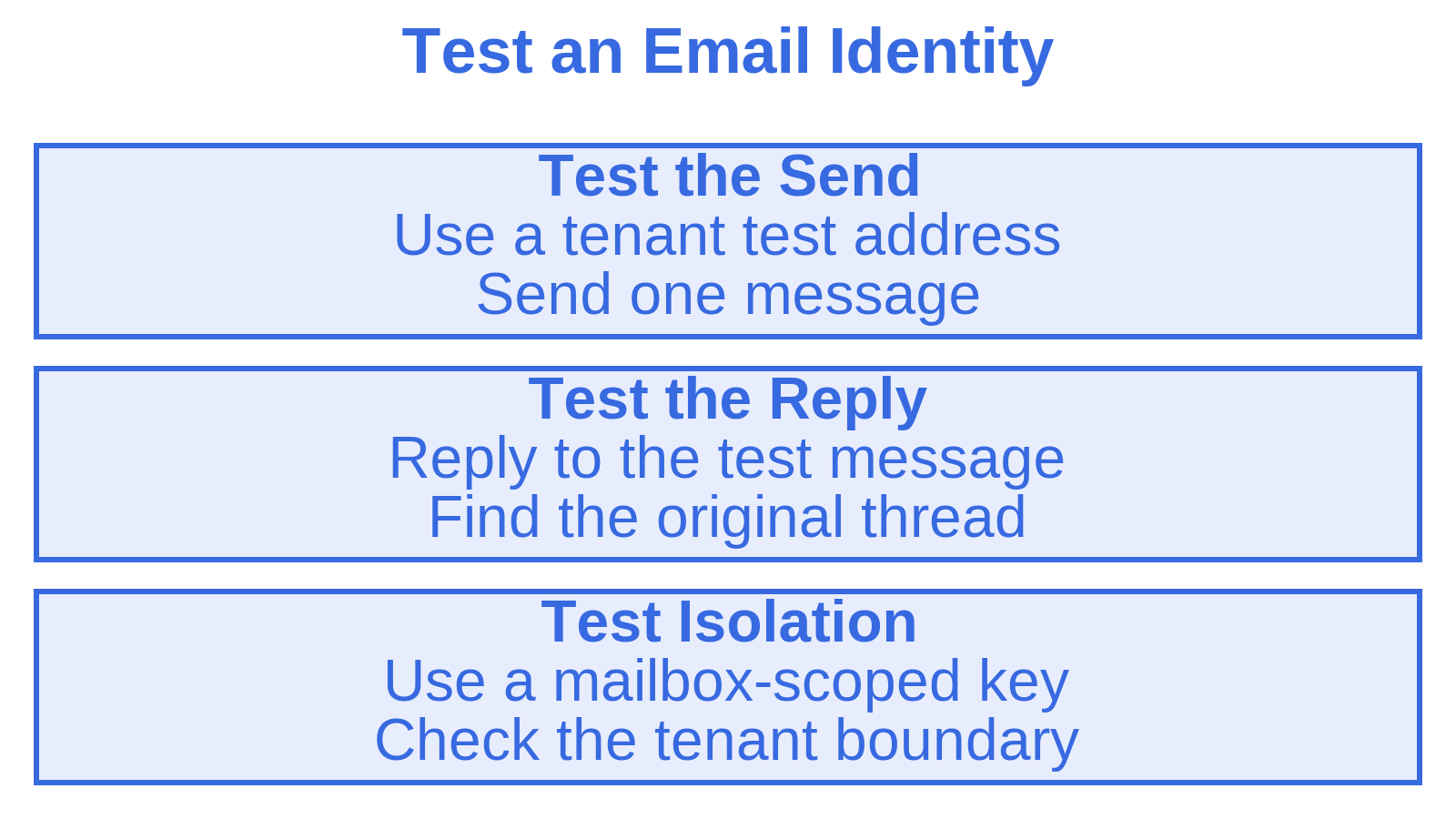
Start on the Free plan by connecting one mailbox to the Mailbox API or to authorised MCP tools. Send a test email and read a reply in its thread. Once your plan allows more sending accounts, verify a custom domain and test routing with two eligible connected providers. The inbound mailboxes page and the agent email overview show what each part does. If you are building for an MCP client or an agent framework, the MCP page for agent builders is the quickest route in.
Our perspective
We think the email identity is the unit that matters for agents, not the message. A message is an event. An identity is something your agent lives inside: an address people can write to, a history it can search, limits that protect everyone else and a log you can audit.
Qubrics stores mail and threads in a persistent mailbox. Access them through the Mailbox API, use the Sending API for provider routing and use the Management API for delivery logs. Keeping those services together gives the team one place to start when an integration fails.
The longer-term direction is a context layer that turns a company's mail into accurate, permissioned context its agents can act on. Real mailboxes with scoped access are the foundation that needs.
Sources
Recommended
Frequently Asked Questions
What is an email identities API?
An email identities API manages an address and the mailbox, credentials, limits and records that come with it. Qubrics can give agents, customers or tenants a mailbox on @myagent.mx or a custom domain verified for sending and receiving, within the team's limits.
How is it different from a transactional email API?
A transactional email API sends your application's messages. An identity API also holds the inbox so replies can arrive, stay in their threads and be searched. Qubrics provides a Sending API for outbound mail and a Mailbox API for stored messages and threads.
Can I use my own Gmail, Outlook, SMTP or SES accounts?
Qubrics supports connecting Gmail, Outlook and custom SMTP accounts. It also offers managed Amazon SES. Delivery groups route through eligible connected accounts. Connected outbound costs US$0.0005 per provider-accepted recipient occurrence.
Do I pay per mailbox?
Free and Pro are team plans. Usage is billed per provider-accepted recipient occurrence for outbound mail and per distinct mailbox delivery for inbound mail. Storage costs US$0.02 per decimal GB-month.
Can an agent set itself up without a human editing DNS?
Yes, if the agent registers on the included @myagent.mx domain. A human owner must accept the invitation and approve sending. For a custom domain, the domain verification guide covers SPF, DKIM and DMARC records.
