Resend vs SendGrid vs Postmark vs SES: Picking an Email API

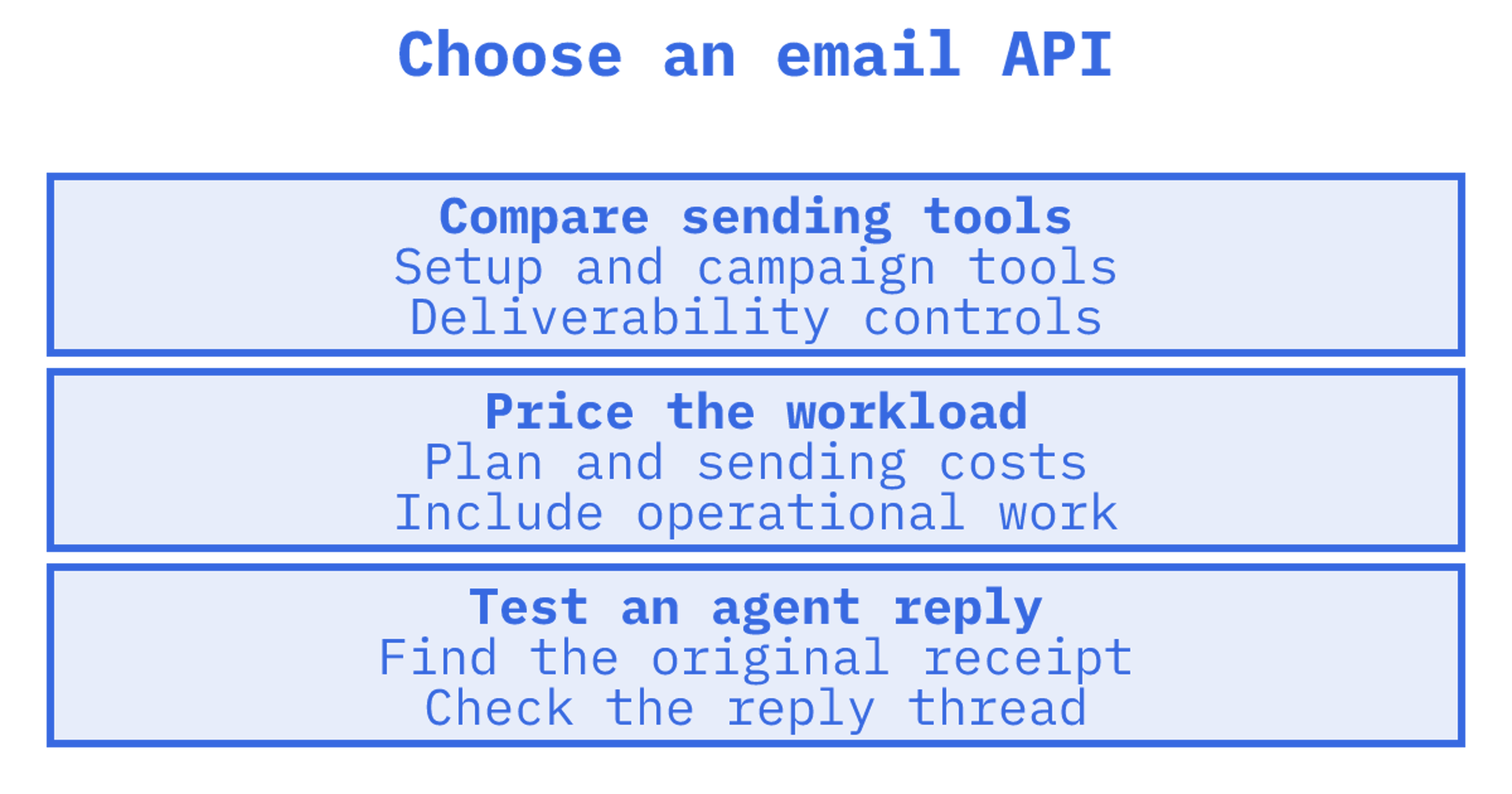
Say the agent sends a receipt on Friday. By Monday, the customer has replied to ask which order it covers. Compare Resend, SendGrid, Postmark and Amazon SES with that reply in mind, and budget for getting it and the original receipt back to your agent. Qubrics (formerly Qubrics) provides persistent mailboxes, inbound processing and outbound sending through configured providers.
Compare setup, deliverability tools and price across the four services. Then use the reply test with whichever sender you choose.
TL;DR
- Resend keeps the API small and is quick to set up for transactional mail. SendGrid handles transactional sending and campaigns, with more settings and plan tiers to work through.
- Postmark came first in a March 2026 inbox placement test and separates transactional mail from broadcasts. Amazon SES costs the least per message of the four. Your team handles setup and monitoring.
- If your agent receives replies, budget for storing its mail, keeping conversations in threads and stripping quoted text. Whichever of the four senders you choose, your app has to account for that work.
- Qubrics gives an agent its own mailbox. Connect Gmail, Outlook or custom SMTP, or use managed Amazon SES. The Free plan has a US$0 monthly team fee and applies usage charges against its included credit.
Table of Contents
What you are really choosing between
Use Resend or Postmark for transactional mail such as receipts, password resets and alerts. SendGrid, part of Twilio, puts transactional sending and marketing in one account. With Amazon SES, AWS provides the low-cost sending service and your team builds the tooling around it.
Estimate how many emails you'll send. Resend and SendGrid base sending costs on volume and plan tier. Check prices and free allowances on each provider's site before choosing a plan.
Resend vs SendGrid
First decide whether you need one account for both receipts and newsletters.
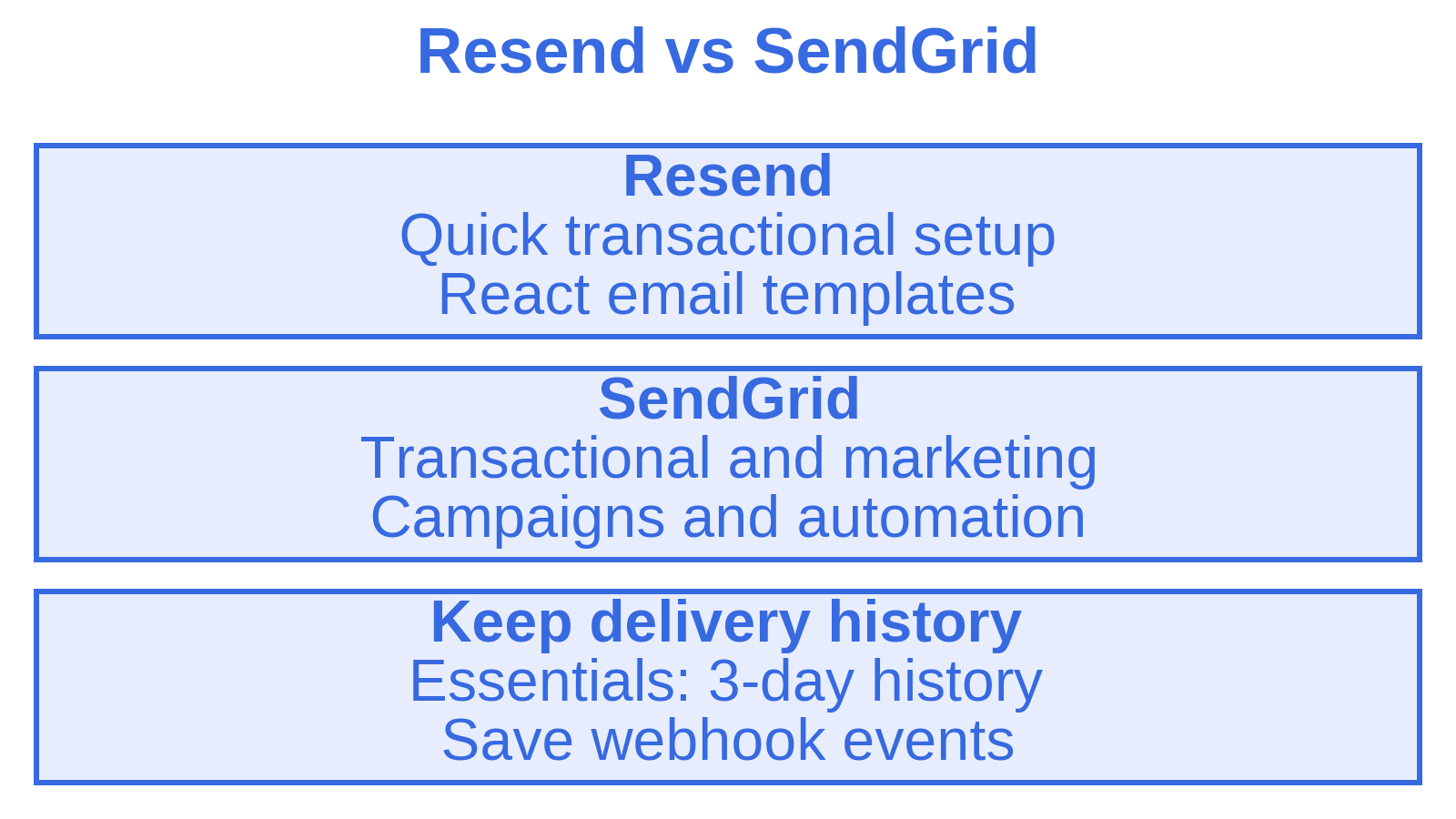
Developer experience. With Resend, you get a small API, SDKs and React templates for email. SendGrid gives you more integrations and documentation. There are more settings to learn too.
Features. SendGrid puts marketing campaigns and automation in the same service as transactional sending. Use this guide to cost-effective email marketing growth to work out which campaign tools you'd need before you pick a plan.
Debugging window. By Monday afternoon, a delivery event from Friday morning may have dropped out of 3-day activity history on SendGrid's Essentials plan. If you need to look back further, keep Event Webhook data in your own store.
Deliverability. On higher plans, SendGrid offers dedicated IPs. Before testing either service for inbox placement, configure SPF, DKIM and DMARC. The same domain checklist applies to Resend.
Resend vs Postmark
Both target developers who send transactional mail. If you mostly send receipts and alerts, check how each service handles those messages before deciding how much setup time matters.
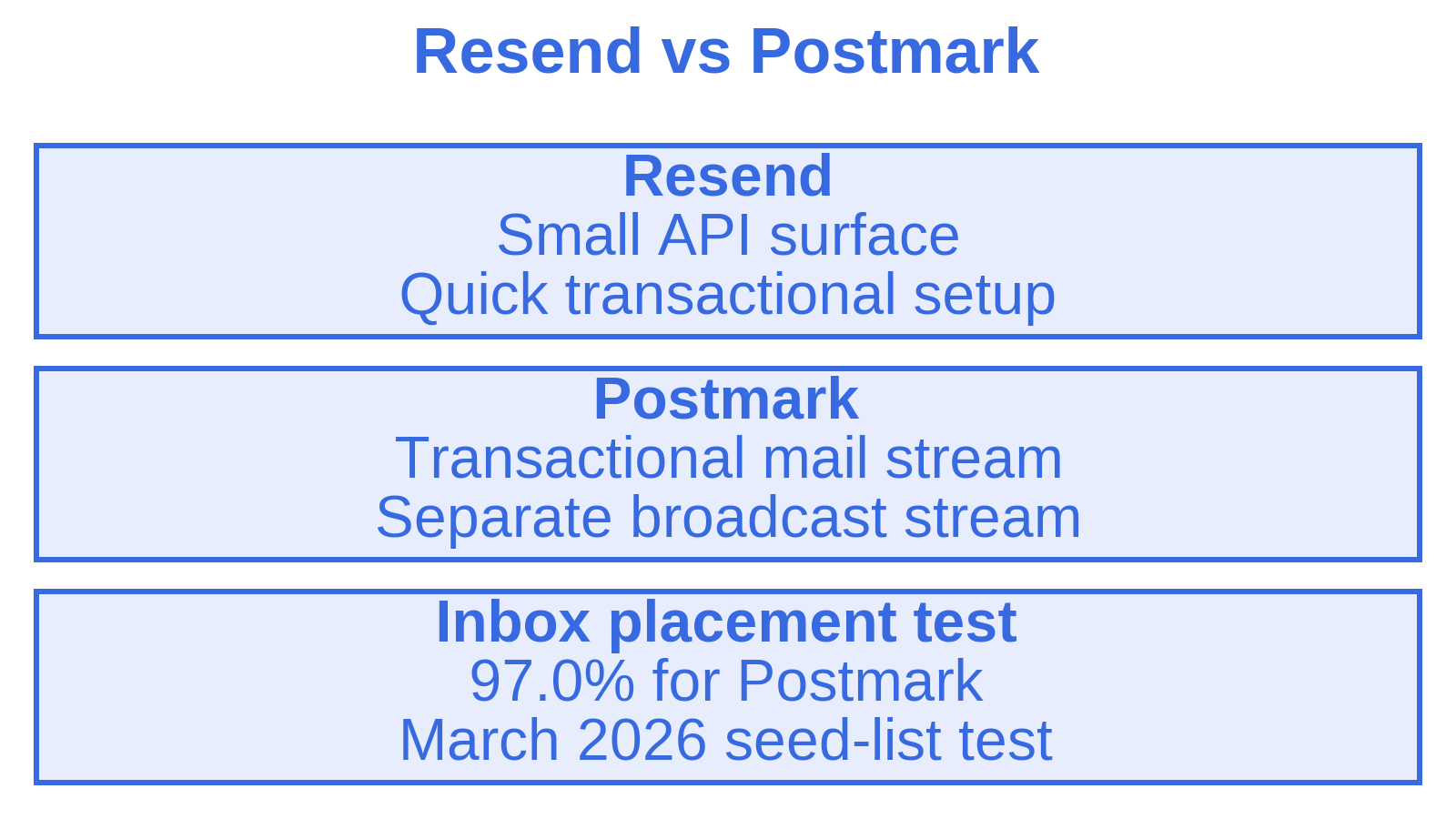
In March 2026, The Stack Reviewer ran a 30-day test with a 50-inbox seed list and found that Postmark averaged 97.0% inbox placement. SendGrid averaged 93.1%, and Amazon SES ranged from 88 to 97% depending on its IP pool. Postmark separates the streams. The same review says Postmark warns accounts that send marketing mail through the transactional stream and then suspends them if they keep doing it. That separation helps protect your sending reputation if you use the transactional stream for receipts and alerts. If you send marketing mail too, choose the right stream for each message.
In that review, Postmark cost US$15 per month for 10,000 emails and US$55 for 50,000. Check Postmark's pricing page for current rates and plans for higher volumes.
Try Resend first if you need to get set up quickly. When your priority is inbox placement for receipts and alerts, start by testing Postmark.
Postmark vs SendGrid
Postmark requires separate streams for transactional mail and broadcasts. With SendGrid, you can send transactional mail, run campaigns and automate them in one account. Higher plans offer dedicated IPs.
Choose Postmark if you want a stream for receipts and alerts. SendGrid fits teams that need one service for both product email and campaigns. The seed-list result covers one setup, so test with your own domain and content before committing.
SendGrid vs Amazon SES
Low per-message pricing is part of the appeal of SES. Your team still needs time for domain and DKIM setup, bounces and complaints, suppression lists, monitoring and getting out of the AWS sandbox. SendGrid gives you a dashboard, templates and reporting.
The March 2026 test found that inbox placement varied with the SES IP pool. Factor the time you'd spend on setup and monitoring into the monthly cost.
SES can sit underneath a routing layer. In Qubrics, managed Amazon SES is a sending option alongside customer-connected Gmail, Outlook and custom SMTP. Connected providers on Pro and Enterprise follow the provider's limits and any quotas you configure.
Side-by-side summary
| Resend | SendGrid | Postmark | Amazon SES | |
|---|---|---|---|---|
| Best at | Fast developer start | Transactional plus marketing | Transactional inbox placement | Lowest unit cost at scale |
| Marketing campaigns | Basic | Yes | No, by design | No |
| Stream separation | Not the focus | No native separation | Enforced | You build it |
| Setup effort | Low | Medium | Low | High |
| Receives email as a mailbox | No | Inbound parse only | Inbound webhook, higher plans | Inbound via AWS services |
Already using Mailtrap for email testing? Compare its sending service on the same criteria before using it for production.
Where all four fall short for agents
Have a test agent send you a receipt, then reply asking which order it covers. See if the agent can find the receipt and send its answer in the original thread. That shows which step to investigate if reply handling fails.
With Postmark, the inbound JSON payload can contain the headers, text, HTML, spam score and Base64 attachments. Higher plans offer this unsigned webhook. Protect your endpoint and store the messages together so the agent can return to the conversation.
The same guide lists what an agent integration has to get right:
- Use the parent email's Message-ID for In-Reply-To and add the same ID to References. Mail clients use those headers to place a reply in the conversation.
- Remove quoted history before handing the reply to the model. It can then read the new text without rereading the thread each turn.
- Keep messages grouped by thread so the agent can return to the same conversation days later.
Your app handles those jobs if it combines a sender, parser and webhook relay. Before shipping, run the reply test with two tenants and check that each agent can read only its own conversations.
How Qubrics covers the agent side
Qubrics provides an email API for AI agents. Create a mailbox for an agent, customer, workspace or tenant on the included @myagent.mx domain or on a custom domain verified for sending and receiving.
What that gives your agent, concretely:
- Clean reads. The Mailbox API provides cleaned message content so the agent can focus on the reply. Its raw body endpoint returns text, HTML or both without cleaning.
- Single-message sends. The Mailbox API can send a message from the authenticated mailbox and accepts custom X- headers. Its thread endpoints list conversations and retrieve their messages.
- Small payloads. Search on folder, thread, sender, subject, headers, date range, attachments and unread. A count endpoint answers "how many" without returning rows, and search snippets return previews without pulling bodies.
- Cheap polling. Sync endpoints hand back state tokens, so an agent asks for changes instead of re-listing the inbox.
- Sending accounts. Connect Gmail, Outlook or custom SMTP, or send through managed Amazon SES. Provider limits and configured quotas apply to connected providers on Pro and Enterprise. The Mailbox API reports mailbox quota usage separately.
- Operations. Verify SPF, DKIM and DMARC records on your domain, receive signed webhooks or stream mailbox events and review team delivery logs. Use REST, SDKs or the CLI for the supported APIs, and MCP for tools you authorise.
Include time spent maintaining Gmail OAuth credentials or IMAP and SMTP scripts when you're comparing mailbox options. Use Resend alternatives for agent mailboxes and SendGrid alternatives and migration to compare them with the setup you have.
What it costs
The Free plan has a US$0 monthly team fee and uses included credit for usage. Pro costs US$7 per team each month plus usage. Enterprise pricing follows the team's contract. Current Free and Pro rates are based on usage.
| Item | Rate |
|---|---|
| Connected outbound | US$0.000500 per provider-accepted recipient occurrence |
| Managed sending | US$0.000750 per provider-accepted recipient occurrence |
| Inbound | US$0.000500 per distinct mailbox delivery |
| Storage | US$0.02 per decimal GB per month, prorated by calendar day |
On Free and Pro, model your cost by team, sending activity, received mail and storage when you provision a mailbox for each tenant. See the Qubrics pricing page for current rates and our guide to pay-as-you-go versus tiered email API pricing for working through your volume.
How to choose
Work through these in order.
- Does your agent receive email? Give it an address it can keep and a mailbox for its conversations. See Qubrics inbound mailboxes for setup.
- How many tenants? Scope mailbox credentials to each tenant and keep delivery logs at the tenant's team level. A shared sending account has one sending reputation across all the tenants that use it.
- Which sender fits your outbound? Postmark suits a dedicated stream for transactional mail. Pick Resend for quick setup or SendGrid if you send product mail and campaigns. Consider SES once you've budgeted for the work behind its lower sending costs. In Qubrics you can add multiple supported sending accounts.
- Where will delivery events live? Save each delivery webhook event in a store your team can search. See our guide to email webhooks, signing and replay for ways to handle the events.
- API or SMTP? Work through the SMTP versus email API checklist before moving between the two.
Start with the sending layer your agents need
If your agent needs to send and read mail, start on Free and create a mailbox. Connect a supported sending account or use managed sending. See the email sending API and the MCP server for AI clients to get started.
Our perspective
Most comparisons of Resend, SendGrid, Postmark and SES ask which pipe delivers best. For a classic app that is the right question. For an agent it is only the first one.
An agent lives in a conversation. It needs a stable address, a thread it can return to, replies stripped of quoted noise, and a record of what it sent and when. When those live in four different tools, a sending provider, a Gmail OAuth hack, a parser and a webhook relay, the integration glue becomes the product you maintain.
We built Qubrics to hold an agent's mail and send through the supported accounts you connect. You can apply account quotas to connected providers on Pro and Enterprise and keep each agent's inbox and credentials separate.
Our advice: pick the sender on its merits, then put one mailbox API over it.
Sources
Recommended
Frequently Asked Questions
Is Resend or SendGrid better for transactional email?
For a quick setup to send receipts and password resets, we'd choose Resend. Use SendGrid if the same account also needs marketing campaigns. Check both providers' current free allowances and plan limits before you pick one.
Is Postmark better than SendGrid for deliverability?
Postmark averaged 97.0% inbox placement in one March 2026 seed-list test. SendGrid averaged 93.1%. Before choosing, try your own domain and message content. Postmark uses separate streams for broadcasts and transactional mail such as receipts.
Is Amazon SES cheaper than SendGrid?
SES generally costs less per message than SendGrid. Set aside time to configure your domain, handle bounces and monitor delivery with SES. Check the AWS and Twilio pricing pages for current rates, then weigh the savings against the work your team will take on.
Can any of these give an AI agent its own mailbox?
Some of the four sending services can pass incoming mail to your app. Qubrics gives the agent a mailbox that holds the conversation. If a customer replies to yesterday's receipt, the agent can read the cleaned reply, find the receipt in its thread and answer through a supported connected account or managed Amazon SES.
Can I use Qubrics alongside my current provider?
If Qubrics supports your current sending account, you can keep it. Connect Gmail, Outlook or custom SMTP, or use managed Amazon SES. Connected accounts on Pro and Enterprise follow provider limits and any quotas you set.
