Delivery Status Webhooks: Real-Time Email Events Done Right

A delivery status webhook is an HTTP request your email provider sends to an endpoint you control each time something happens to a message: accepted, delivered, deferred, bounced, complained about, opened or replied to. If you build agents or apps that send email, treat the send API's response as a receipt for acceptance only, and let webhook events decide what you tell users, agents and your own database about the outcome. This guide covers what to listen for, how to receive events safely, and how to keep the pipeline honest when events arrive late, twice or not at all.
TL;DR
- The send API's 200 response means the relay accepted the message. Delivery, bounces and complaints arrive later as webhook events, from seconds to hours afterwards, according to one engineering guide on transactional webhooks.
- Store a message state machine (accepted, deferred, delivered, bounced, complained) and update it only from verified events, never from the send response.
- Verify the signature, acknowledge fast, queue the work, and make every handler idempotent so duplicates and replays do no harm.
- Monitor the receiver itself. If it is down, providers may retry and then drop events, which leaves suppressions and reputation exposed.
- Qubrics webhooks report delivery, bounce, complaint and inbound events. You can scope a subscription to selected mailboxes.
Table of Contents
1. Why a send response is not a delivery status
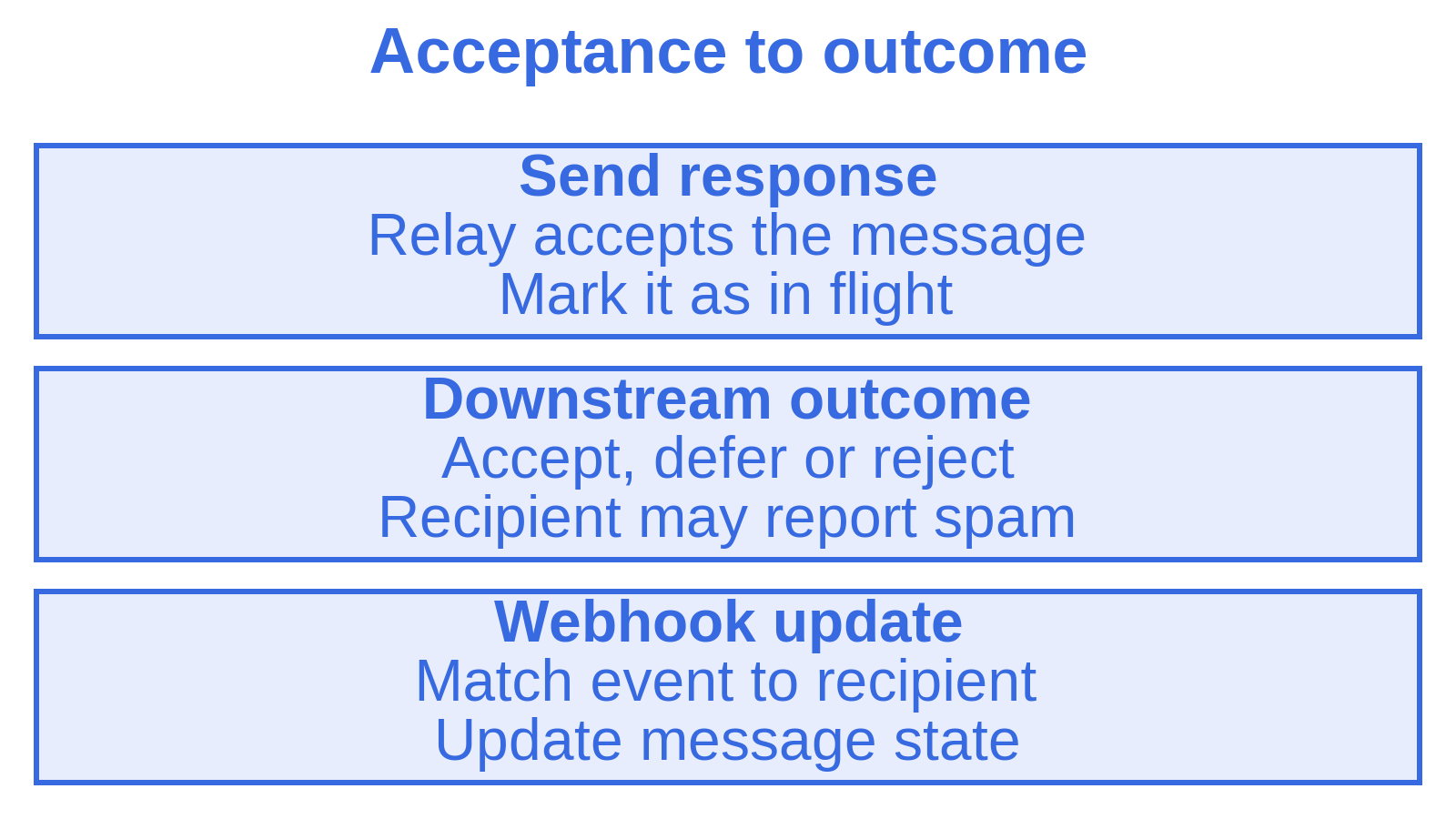
When your code calls a send endpoint, the response tells you one thing: the relay took the message. It is synchronous and immediate. What happens next, whether the receiving server accepts it, defers it, rejects it or the recipient marks it as spam, happens on someone else's schedule. The same guide describes webhook events as asynchronous, arriving seconds to hours after the call, and reporting what happened downstream.
The most common architectural mistake is therefore easy to describe. The system logs "sent" the moment the API returns 200, never revisits that status, and a support dashboard ends up saying "delivered" for messages that bounced. The same source calls this out as one of the most frequent errors in transactional email systems.
For agents the stakes are higher than for a human-triggered receipt email. An agent that books a meeting, chases an invoice or replies to a customer will act on what it believes happened. If it believes a message landed when it bounced, it will wait for a reply that never comes, or tell a customer something that is not true. Real-time email events are how the agent's picture of the world stays accurate.
Polling versus push
Polling a status endpoint works at small volumes, but every poll is a request that mostly returns nothing new, and your latency is bounded by your interval. A webhook inverts that: the provider calls you when state changes. The trade is that you now run a public endpoint that must be secure, fast and reliable. The rest of this article is about meeting that obligation.
If you want a push stream without exposing a public endpoint, such as for a worker behind a firewall or a terminal-based agent, Qubrics also publishes a comparison of SSE and webhooks and a guide to email event streaming with webhooks plus SSE.
2. The events worth handling
Providers name events differently, so the first job is a small internal vocabulary. For delivery status, most teams need these:
| Internal state | What it means | What your system should do |
|---|---|---|
| Accepted | The provider took the message from you | Record it as in flight, not delivered |
| Deferred | The receiving server asked the sender to try later | Keep waiting, track how long |
| Delivered | The receiving server accepted the message | Mark delivered, which is not the same as inbox placement |
| Bounced (hard) | Permanent failure, such as an address that does not exist | Suppress the address, tell the agent or user |
| Bounced (soft) | Temporary failure, such as a full mailbox | Allow the provider's retries, then escalate |
| Complaint | The recipient reported the message as spam | Suppress immediately and review the content or list |
| Reply or inbound | A message arrived in a mailbox | Route to the right agent or queue |
Two cautions on this table. First, "delivered" means the recipient's server took the message. It does not promise the recipient saw it, so do not let an agent treat it as read. Second, engagement events such as opens are weak signals and vary by provider and mail client, so use them for analytics, not for logic that must be correct.
The events that drive suppression, hard bounces and complaints, are the ones you cannot afford to miss. That is why delivery tracking is more than reporting. CronAlert makes the point that bounce and complaint webhooks feed suppressions and reputation protection, so the receiver deserves monitoring as a critical endpoint.
For a deeper treatment of what to do with each bounce type, see Qubrics's bounce handling guide for email APIs and webhooks.
3. What a good event payload contains
Whatever the provider, a payload is only useful if you can tie it back to a message and a recipient. Look for, and store, these fields:
- A unique event ID. This is your deduplication key.
- The event type and a timestamp. The timestamp is when the event occurred at the provider, which is not when you received it.
- A message identifier. Ideally the one returned by your send call, plus the RFC 5322 Message-ID header, so you can match against threads.
- The recipient address. One message to three recipients produces three separate outcomes.
- A reason and, for failures, the SMTP status code. Reasons are free text and inconsistent, so keep the raw value and add your own normalised category.
- Your own metadata. Tag the send with a tenant, agent or campaign ID so the event arrives already labelled.
That last point matters most for multi-tenant products. If every send carries a tenant or mailbox ID, you can route a bounce to the right customer's dashboard without a lookup that might itself fail.
Normalise across providers
If you send through more than one provider, field names and bounce reasons will not match. Datadog's engineering team describes collecting delivery events from SendGrid, Mailgun and Amazon SES and normalising event names and reasons before building metrics such as bounce rate, drop rate, deferral latency and delivery lifetime. Without that step, a bounce rate computed across providers compares unlike things.
Use the Qubrics Sending API with connected Gmail OAuth, Outlook or custom SMTP accounts, or with managed Amazon SES. Set weights across eligible providers. Qubrics webhooks use a common event format, and the Management API exposes delivery logs. The delivery logs guide shows how logs and events fit together.
4. Receiving webhooks securely
A webhook endpoint is a public URL that changes your database when it receives a request. Anyone who finds it can try to forge a bounce, which would make you suppress a good customer, or forge a delivery, which would hide a failure. Four habits keep it safe.
Verify the signature on the raw body
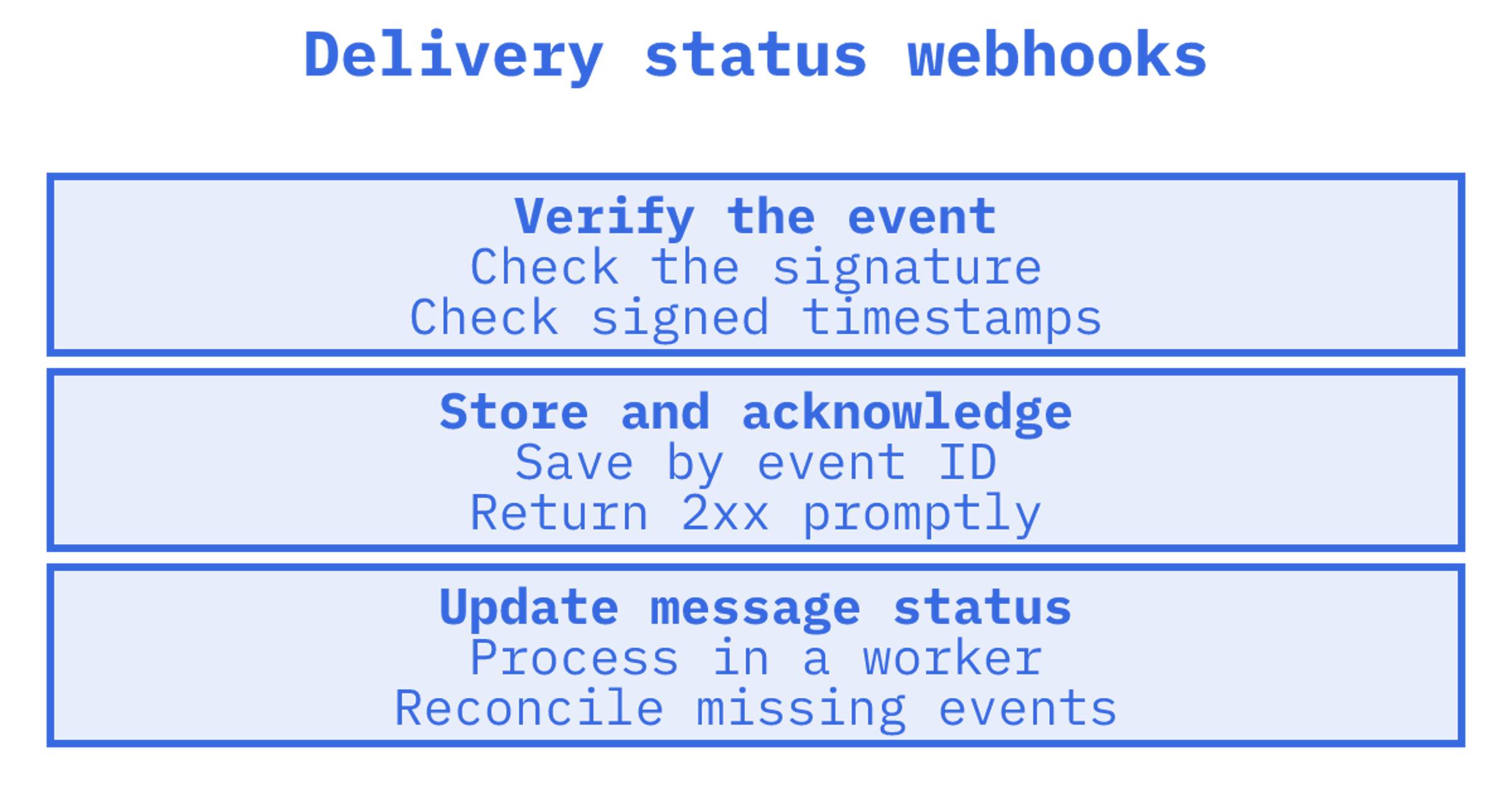
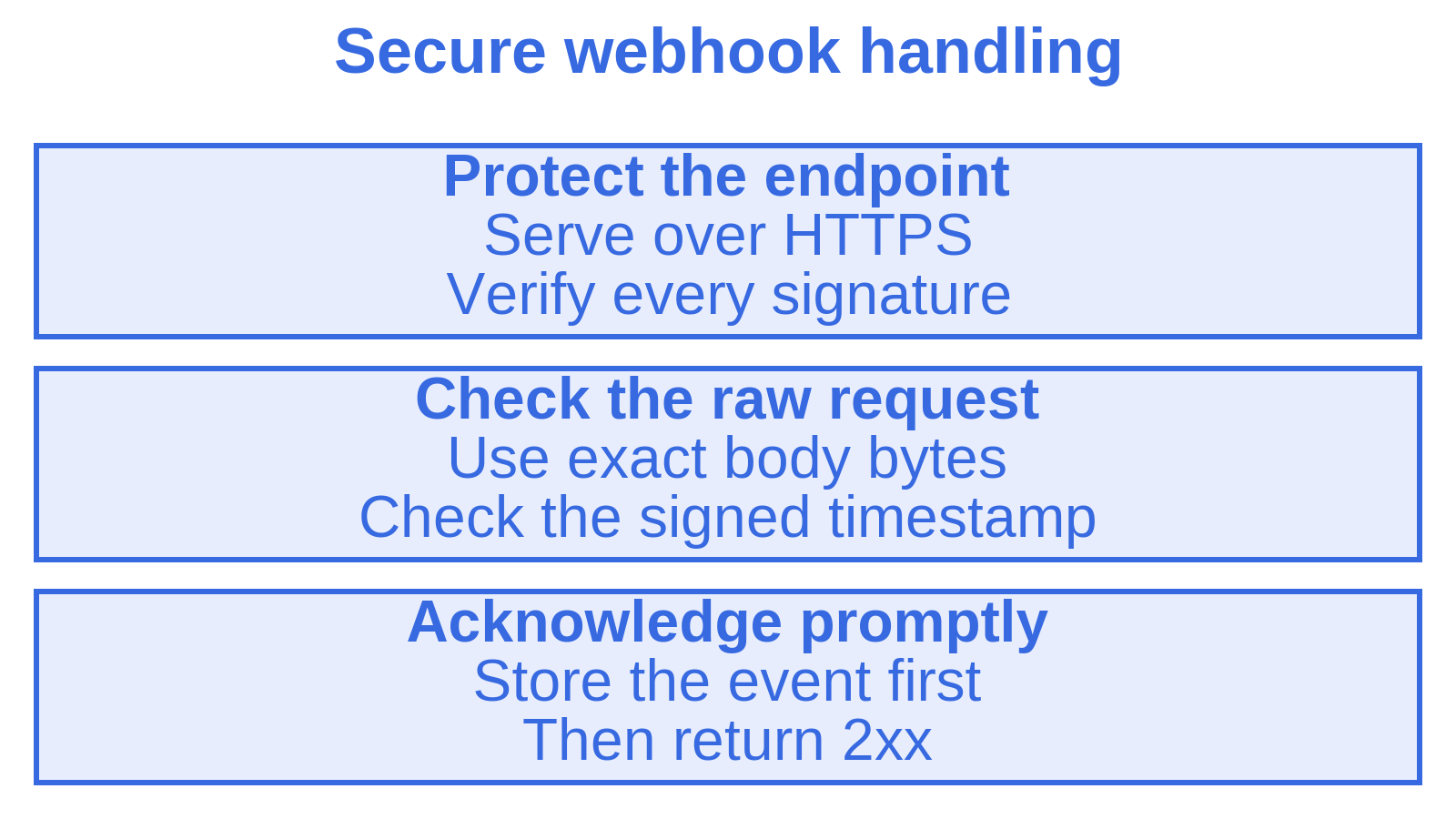
Providers sign each request, commonly with an HMAC (a keyed hash) of the payload, and send the result in a header. Recompute it with your shared secret over the exact raw bytes received, compare in constant time, and reject mismatches. Parse JSON only after verification, because re-serialising a parsed body can change the bytes and break the check.
Check the timestamp
If the signature covers a timestamp, reject requests that are too old. That stops an attacker replaying a captured genuine request later.
Use HTTPS and keep the URL unguessable
Use TLS only. A secret path is a weak extra layer, not a replacement for signatures.
Acknowledge fast, process later
Return a 2xx as soon as the event is verified and safely stored in a queue, then do the real work in a worker. Slow handlers cause provider timeouts, which cause retries, which cause duplicates. Qubrics's guide on email webhooks covering signing, idempotency and replay walks through these patterns in the context of an email API.
5. Retries, duplicates and out-of-order events
Webhooks are delivered at least once, not exactly once. Design for three realities.
Duplicates will happen. A provider retries when your endpoint times out or errors, even if you processed the event. Record each event ID on first sight and ignore repeats. Make the state update itself idempotent, so applying the same event twice leaves the same result.
Order is not guaranteed. A "delivered" event can arrive before a "deferred" one that happened earlier. Use the event timestamp and a state ranking, so a terminal state (delivered, bounced) is never overwritten by an earlier in-flight state such as deferred.
Events can go missing. If your receiver is down long enough, a provider may retry and then give up. CronAlert warns that a dead bounce and complaint receiver means missed suppressions and deliverability harm. Two defences help: alert on receiver health, and run a periodic reconciliation that compares messages stuck in "accepted" for longer than expected against the provider's logs or API, then repairs them.
The silent failure
The nastiest failure is not a crashed endpoint. It is an endpoint that returns 200 while a bug in the processing logic updates nothing. From the provider's side delivery succeeded, so no retry fires. From yours, nothing looks wrong until someone notices statuses have not moved for hours. The transactional webhook guide recommends tracking a processing success rate measured independently of the HTTP response code. In practice that means counting events that resulted in a state change against events received, and alerting when the ratio drops.
6. A practical handler, step by step
Here is the routine most teams settle on. Each step names where it usually goes wrong.
- Tag every send. Attach tenant, agent and campaign IDs to the message. Skipping this forces fragile lookups later.
- Create an endpoint that reads the raw body. Frameworks that auto-parse JSON before you see the bytes break signature checks.
- Verify signature and timestamp. Return 401 on failure and log the attempt.
- Write the event to a queue or table keyed by event ID. A unique constraint gives you deduplication for free.
- Return 2xx. Do nothing slow before this point.
- Process in a worker. Map the provider's event to your internal state, apply the ranking rule, update the message and recipient record.
- Trigger consequences. Add hard bounces and complaints to the suppression list, notify the agent or tenant, and pause sending to a domain if rates spike.
- Measure. Track events received, events processed, processing lag and the count of messages stuck in accepted.
- Reconcile on a schedule. Sweep for stale in-flight messages and fix them from the provider's records.
Once delivery is reliable, the same data helps you understand sending health more broadly. Event data is the raw material for the metrics that email marketing fundamentals depend on, such as bounce and complaint rates per sender.
7. What changes when the sender is an agent
Human-facing apps show a status badge. Agents need the status as input to decisions, which raises three requirements.
- Machine-readable reasons. An agent should get a normalised category (unknown user, mailbox full, blocked, spam complaint) so it can decide whether to retry, correct an address or stop.
- Per-mailbox scoping. In a multi-tenant product, an agent should see events only for its own mailbox. A shared firehose invites cross-tenant leaks.
- Inbound and outbound in one stream. A reply is the real confirmation that a conversation is alive. Having delivery events and inbound messages arrive through the same pipeline lets the agent link a bounce, a reply and a thread without joining data from separate vendors.
Qubrics provides separate APIs for sending and mailbox access. Webhooks deliver inbound mailbox events and reported delivery outcomes, and the Mailbox API offers a live mailbox event stream. Read delivery logs through the Management API. The inbound email webhooks guide covers inbound events.
Perspective on events and mailboxes
We built Qubrics because the usual agent email stack is five tools taped together: a sending provider, a Gmail OAuth workaround, a parser, a webhook relay and separate billing. Each one has its own event format and its own failure modes, and the agent is left to make sense of the gaps.
We want agents to have enough history to understand what happened to a send. A persistent mailbox holds the agent's replies and threads. You can scope webhook subscriptions to selected mailboxes and read delivery logs through the Management API.
The Sending API supports connected Gmail OAuth, Outlook and custom SMTP accounts as well as managed Amazon SES. Delivery groups route traffic through eligible providers. Read delivery logs through the Management API and handle reported status changes through webhooks.
If you take one thing from this guide, make it this: never let an agent act on "accepted" as though it meant "delivered". Build the state machine first, and choose infrastructure that gives you clean events to feed it.
Getting started with Qubrics events
Qubrics's Free plan is 0 USD per month per team and Pro is 7 USD per month per team. See the pricing page for usage rates. Connected outbound costs 0.000500 USD per provider-accepted recipient occurrence, and managed sending costs 0.000750 USD per provider-accepted recipient occurrence. Inbound costs 0.000500 USD per distinct mailbox delivery. Storage costs 0.02 USD per decimal GB-month. Enterprise pricing is custom. For outbound routing, see the email sending API. If your agents also receive mail, see inbound mailboxes.
Sources
Recommended
Frequently Asked Questions
What is a delivery status webhook?
It is an HTTP callback your email provider sends to your server when a message changes state, for example delivered, bounced or marked as spam. It replaces repeated status polling with a push the moment something happens. Your endpoint verifies and records the event, then updates the message's status.
Are real-time email events actually instant?
They are asynchronous. Per one engineering guide, events can arrive anywhere from seconds to hours after the send, depending on what the receiving server does. Deferrals in particular can take time to resolve, so design your system to show an in-flight status rather than assuming a quick answer.
How do I stop duplicate events corrupting my data?
Store each event's unique ID and ignore repeats, and make the state update idempotent. Also rank states so a late "deferred" event can never overwrite "delivered" or "bounced". Replays are normal, so your handler should treat them as harmless.
What should I monitor on a webhook receiver?
Track uptime, response time, events received versus events that changed state, and the number of messages stuck in accepted. A receiver that returns 200 but fails internally is the hardest problem to spot, which is why processing success rate matters more than HTTP status alone.
Do I need a different handler for each provider?
Not if events are normalised before they reach your logic. Datadog's team normalised event names and reasons across providers before computing metrics. With a single API in front of your providers, you write that mapping once.
