Email Without DNS: What Works and What Doesn't

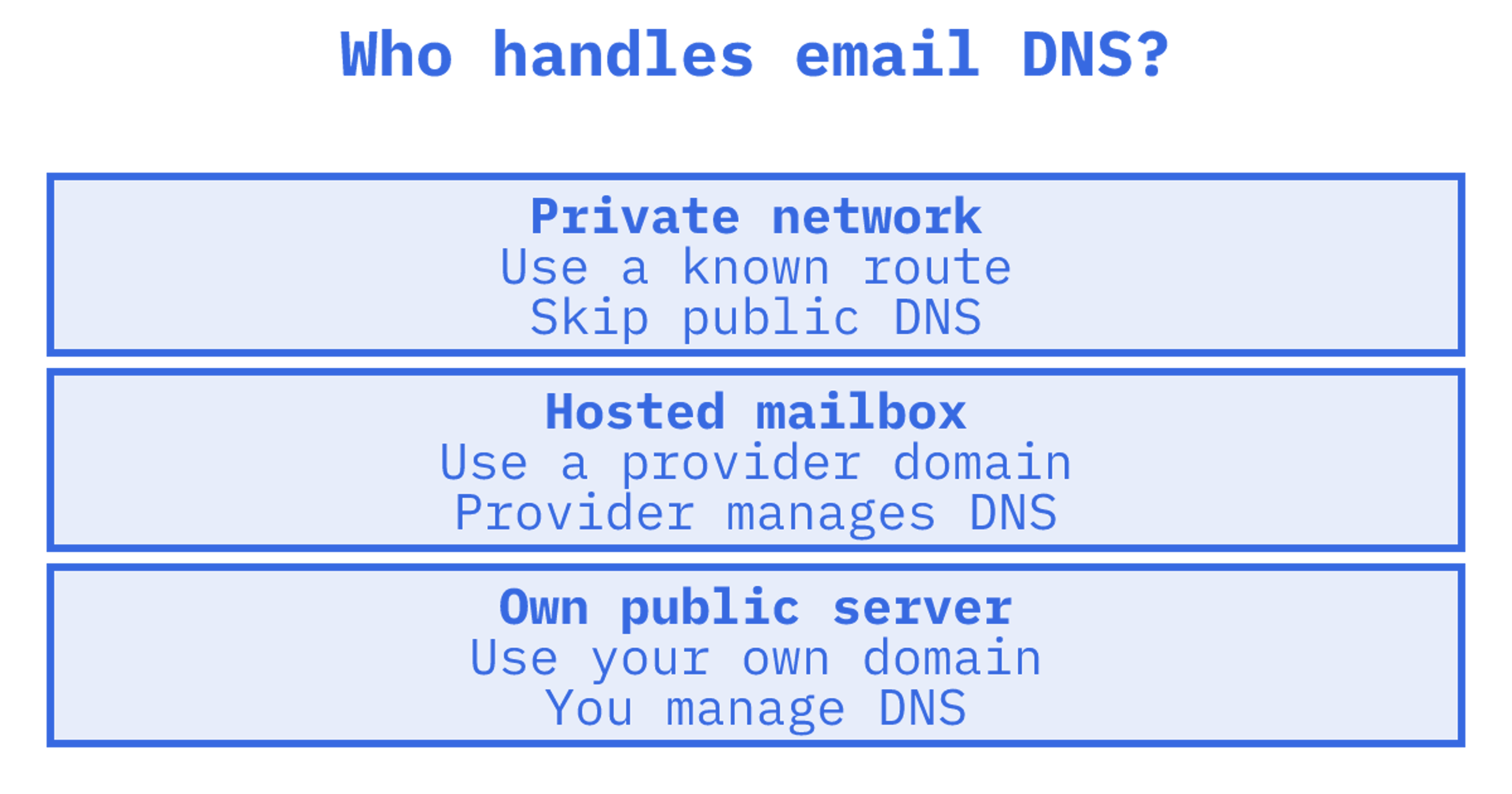
You can send or receive email without DNS only in narrow cases: a private network, a fixed route, or a relay that someone else has already set up. On the public internet, mail depends on DNS. Senders use it to find your mail server, and receivers use it to decide whether to trust you. If you want a working address and don't want to touch DNS yourself, the practical answer is a hosted mailbox on a domain that someone else has already configured.
This guide covers all three situations: the technical limits, the options for developers, and a path for AI agents that need an inbox today.
TL;DR
- Public internet email needs DNS. Without MX records, senders have no standard way to find your server, so inbound mail fails unless the sender has an explicit route.
- Sending without SPF, DKIM or DMARC may still work, but it risks rejection or spam placement.
- Private networks, hosts files and relay-only "null client" setups can skip public DNS, but they don't give you a normal public address.
- The easiest way to have an address with no DNS work is to use one on a domain the provider already runs. Qubrics gives AI agents an inbox on @myagent.mx.
- A custom domain without a website is fine. Email routing and website hosting use different DNS records.
Table of Contents
1. Why email leans on DNS in the first place
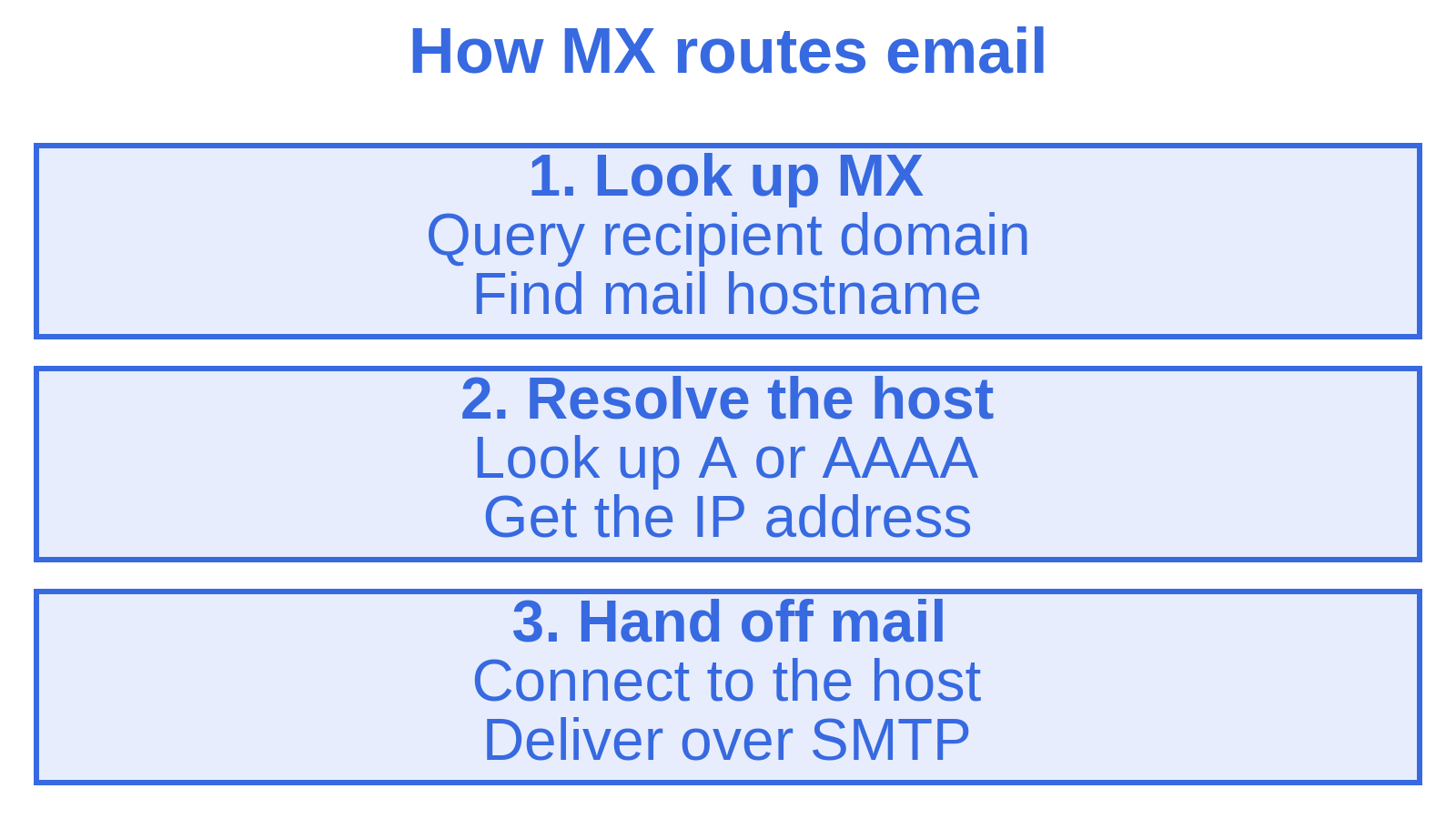
When a mail server has a message for a recipient, it has to work out where to deliver it. RFC 5321, the core SMTP standard, describes the sending client resolving the destination domain to a mail exchanger or the final target host. In ordinary internet mail, those intermediate hosts are usually selected through DNS MX records.
That is the whole reason "email without DNS" is awkward. Your address is name@yourdomain, and the only thing that connects yourdomain to a running server is a DNS record. Remove it and the sending server has nothing to look up.
Three separate jobs get blurred together when people say "DNS for email":
- Routing. MX records tell the world where to deliver mail for your domain.
- Server naming. A and AAAA records turn the mail hostname into an IP address.
- Trust. SPF, DKIM and DMARC records let receivers check that a message really came from you.
You can sometimes avoid the first two. The third is where unconfigured senders get hurt.
2. The cases where you really can skip DNS
There are legitimate setups with no public DNS involved. The research on this is consistent: they work in limited arrangements, and none of them replace public email.
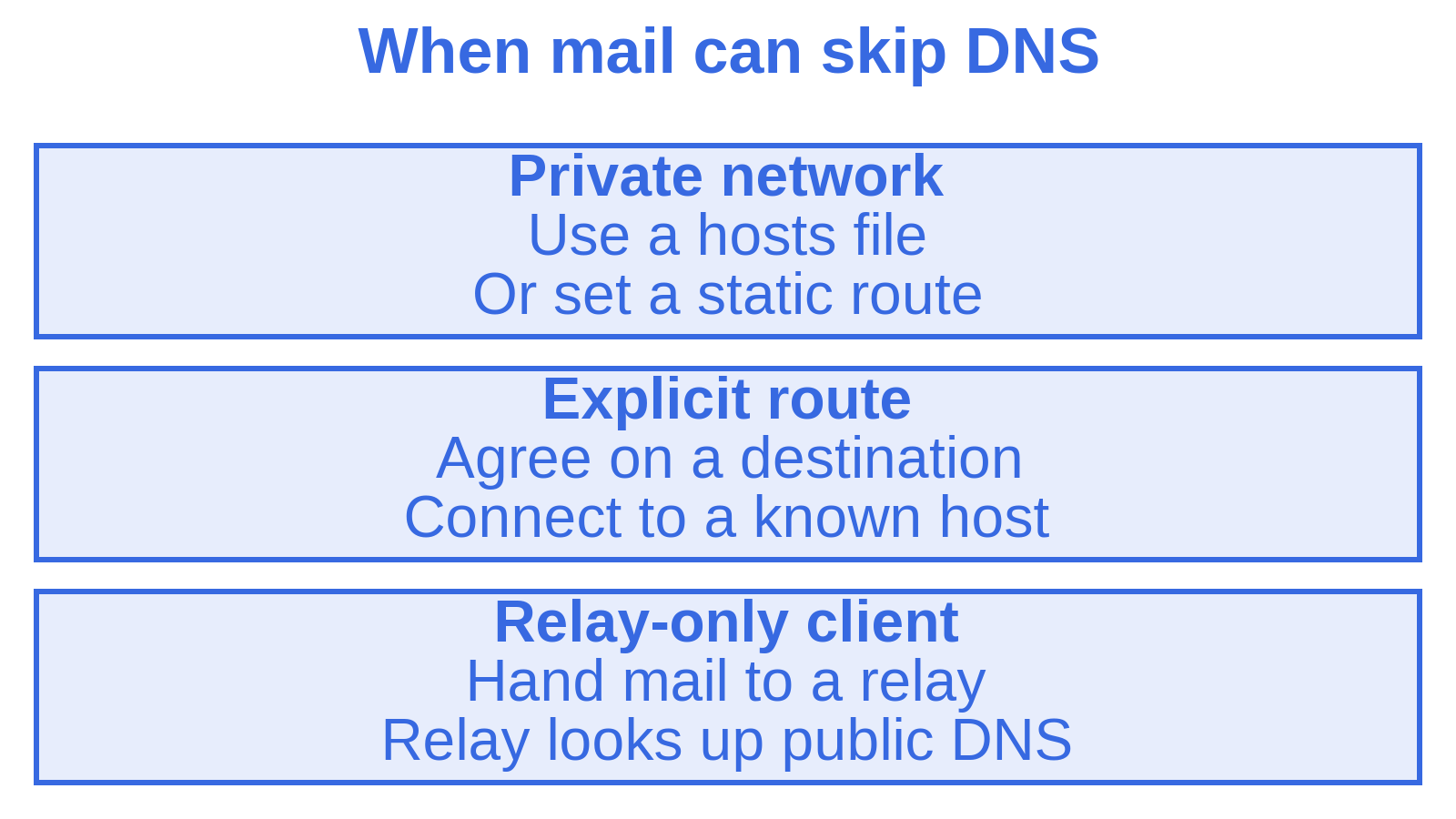
Private or local networks. Mail inside a closed network can work with static routes, hosts files or explicit SMTP configuration. The sender already knows where the server is, so it never needs a lookup. This suits test environments, lab setups and internal tooling.
A relay-only machine. Postfix documents a configuration called a null client: a machine that can send mail but receives no network mail and does not deliver mail locally. It submits everything through a configured smarthost. You are not operating a public receiving server, so you don't publish MX records for that machine.
Explicit routes. If a sender is configured to deliver straight to a known host, it won't ask DNS where to go. That works for a partner integration where both sides agree on the route. It doesn't work for strangers.
The common thread is that someone, somewhere, still has DNS in place. In the null client case, the smarthost's operator has the records, the reputation and the authentication. You have borrowed their setup.
3. What breaks on the public internet
Outbound direct delivery with no DNS support is unreliable, and it commonly fails authentication and reputation checks. Receiving is worse: with no MX record, a stranger's mail server has no standard way to find you.
Here is what each missing piece costs you:
| Missing record | What happens | Effect on you |
|---|---|---|
| MX | Senders can't locate your inbound server | Inbound mail fails unless the sender has an explicit route |
| SPF | Receivers can't check which hosts may send for your domain | Possible rejection or spam placement |
| DKIM | No cryptographic signature to verify | Less trust, weaker reputation |
| DMARC | No policy for what to do when SPF or DKIM fail | Inconsistent delivery and easier spoofing |
The iRedMail DNS guide puts the roles plainly: MX tells external servers where your mail server is, SPF identifies permitted sending hosts, DKIM publishes signing material, and DMARC depends on correct SPF and DKIM. It also treats A and MX records as required for its setup, with PTR, SPF, DKIM and DMARC listed as optional in the installer's wording but highly recommended for internet mail.
If you want the detail on authenticating a sending domain, our SPF, DKIM and DMARC setup guide walks through each record.
4. Self-hosting makes DNS harder, not easier
Some people hope that running their own server removes the DNS dependency. It does the opposite. Self-hosting means you own every record: an MX pointing to a hostname with A or AAAA resolution, SPF, DKIM and DMARC for outbound, and reverse DNS (PTR) set at your IP provider.
The Mail-in-a-Box setup guide is blunt about the practical obstacles. Residential networks commonly block outbound port 25, home IP addresses can be dynamic, and you often can't configure reverse DNS on them. Its guidance is to use a cloud virtual machine instead.
In other words, the records are only part of the job. You can configure the software perfectly and still fail to deliver because of the network underneath.
If you're weighing this against a hosted option, read our comparison of SMTP and an email API before you commit engineering time to a mail server.
5. A custom domain doesn't need a website
A frequent point of confusion, and one of the questions searchers ask, is whether you need a website to have email on your own domain. You don't. The records that carry mail (MX, plus SPF, DKIM and DMARC for sending) are separate from the records that serve web traffic. A domain with no website can still run email, provided you have a mail service and the right records.
This matters if you have a new domain, a brand name you haven't built a site for, or a product that only exists as an API. You still do some DNS work, but not website DNS.
Our guide to custom domain mailboxes for agents and teams covers the options in more depth.
6. The honest shortcut: use an address on someone else's domain
If your real goal is "I need a working address now", the cleanest route is a provider that already runs a verified domain and hands you a mailbox on it. The DNS exists, but it isn't yours to manage. That is the same principle as the null client borrowing a smarthost, applied to receiving as well.
An AI agent can register for its own inbox on the included @myagent.mx domain with Qubrics. There is nothing to publish at your registrar to start. If you later want a branded address, verify your custom domain for receiving and create a mailbox on it.
A few practical points follow from that:
- Start with no DNS work. An agent can register through the API and start receiving on @myagent.mx. Sending requires its owner to accept an invitation and explicitly approve it.
- Add your domain when it matters. A custom domain is worth it once recipients should see your brand, or once you want SPF, DKIM and DMARC aligned to your own name.
For agents specifically, we also support automated agent onboarding with no human DNS setup, so an agent can get an inbox without a person opening a registrar dashboard.
7. What a hosted mailbox looks like for an agent
A mailbox that an agent can use is more than a forwarding rule. A Qubrics mailbox stores messages you can retrieve later. The Mailbox API covers messages, threads, folders, keywords, attachments, sender identities, quotas, usage and submissions.
That has practical consequences for an agent that reads mail:
- Cleaned text. Agents can read clean message content through the Mailbox API. To read the raw message body, request text, HTML or both from the body endpoint.
- Small payloads.
GET /mailbox/messagesfilters on folder, thread, free-text query, sender and recipient fields, subject, body, headers, size range, keywords, date range, attachments and unread status. A thread filter must be used on its own. A count endpoint answers "how many" without returning rows, and search-snippets returns previews without pulling bodies.
- Change tracking. Sync endpoints return state tokens, so an agent polls for typed changes rather than re-listing the whole inbox.
- Sending. Agents can send from the authenticated mailbox through
POST /mailbox/messages/send.
If you receive mail through an API rather than a mail server, the steps are short. Our inbound email API setup in 5 steps shows the flow.
8. Choosing your route
Pick based on what you actually need to do.
| Your situation | Best fit | DNS work for you |
|---|---|---|
| Testing mail inside a private network | Static routes or hosts file | None public |
| An app that only sends through a relay | Null client with a smarthost | Depends on the relay's setup |
| An AI agent that needs an inbox today | Hosted mailbox on a provider's domain | None |
| Branded addresses for a product or team | Hosted mailbox on your verified domain | MX, SPF, DKIM, DMARC |
| Full control of the stack | Self-hosted server | All records, plus PTR and port 25 |
For most developers building agents, rows three and four cover the real choice. Start on the included domain, prove the workflow, then verify your own domain when the brand matters. Our domain verification guide explains what that step involves, and the return path domain walkthrough covers the extra record that DMARC alignment can need. Our custom domain mailbox guide covers setting up a mailbox on the verified domain.
9. Where RFC 8314 fits in
If you do publish records, it helps to know the current recommendations. RFC 8314 recommends that mail service providers advertise MX records for inbound mail and SRV records to help clients locate services. It also recommends DNSSEC-signing advertised records when the parent zone supports it, and prefers servers that support implicit TLS over cleartext or STARTTLS where available.
You don't need to act on this if a provider hosts your mailbox. It is the provider's job to publish and maintain those records. It is a good reminder of what you are outsourcing when you choose a hosted mailbox.
What we think
We built Qubrics so an agent can read its first email without a person opening a registrar dashboard.
The usual advice for "email without DNS" is a list of workarounds. Fix a hosts file, borrow a smarthost, forward mail at the registrar. Each one solves a slice of the problem and leaves you gluing a sending provider, a parser, a webhook relay and separate billing together. Agents then inherit all of that fragility.
Our approach is to treat the mailbox as the product. An AI agent can register for an inbox on @myagent.mx with the records already in place. When a customer wants their own domain, they can verify it for receiving and create a mailbox on it. For outbound mail, you can connect Gmail through its sign-in flow or add Outlook or a custom SMTP account. Qubrics also includes a managed Amazon SES account. Provider limits and any quotas you configure still apply.
DNS still matters for deliverability, and we help with SPF, DKIM and DMARC when you bring a domain. We just don't think it should be the first hurdle between an agent and a working inbox.
Get a mailbox without touching DNS
If you're building an agent, a multi-tenant product or an automation that needs an address now, an AI agent can register for its own @myagent.mx inbox with Qubrics inbound mailboxes. The Free plan is US$0 per month per team, and Pro is US$7 per month per team. The pricing page lists US$0.000500 per provider-accepted recipient occurrence for connected outbound and US$0.000750 per provider-accepted recipient occurrence for managed sending. Inbound mail costs US$0.000500 per distinct mailbox delivery. Storage costs US$0.02 per decimal GB per month. Enterprise pricing is custom.
Sources
Recommended
Frequently Asked Questions
Can you send email without DNS?
On a private network or through a relay that someone else has configured, yes. On the public internet, direct sending without DNS support is unreliable and commonly fails authentication and reputation checks. Receivers may reject the message or send it to spam.
Can you receive email without an MX record?
Only if the sender already has an explicit route to your server. Ordinary internet mail uses DNS MX records to find the destination, so strangers can't reach you without one. The simple workaround is a mailbox on a domain your provider already runs.
Do I need a website to have a custom domain email?
No. Mail routing uses MX records, and website traffic uses separate records. You need a mail service and the correct records for receiving and, for sending, SPF, DKIM and DMARC. Our custom domain mailbox guide covers the steps.
Why not just host my own mail server?
A self-hosted server needs an MX record, SPF, DKIM, DMARC and reverse DNS, plus a reachable port 25. Mail-in-a-Box notes that residential networks often block port 25 and lack configurable PTR records. A hosted mailbox removes that work.
How does an AI agent get an email address with no DNS setup?
An AI agent can register through the Qubrics API for an inbox on @myagent.mx and start receiving without setting up DNS. The agent can send once its owner accepts the invitation and explicitly approves sending. You can verify a custom domain for receiving later.
