How to Monitor Inbound Email for Agents and Apps

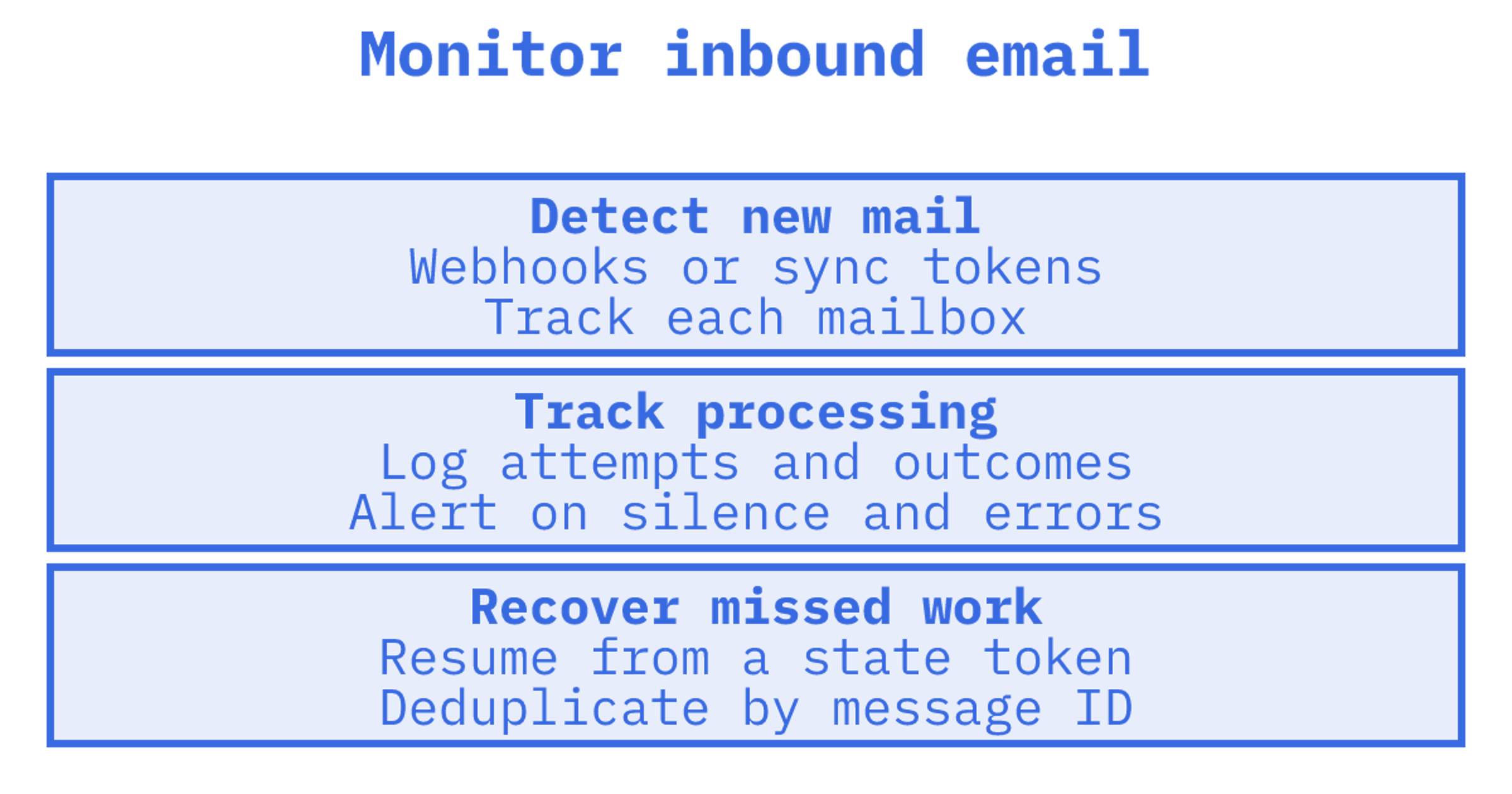
To monitor inbound email in an application or AI agent, give each agent or tenant its own mailbox. Use webhooks to learn when messages arrive, or poll for changes using sync tokens. Log every delivery so you can alert on silence, failures and duplicates. Qubrics (formerly Qubrics) provides persistent agent mailboxes, inbound webhooks and a Mailbox API for reading mail and tracking changes.
This guide covers how detection works, which signals to track, how to keep payloads small for agents, and how to recover when processing fails.
TL;DR
- Prefer push (webhooks or an event stream) over IMAP polling. Polling adds delay and burns quota, and IMAP IDLE needs one open connection per mailbox.
- Monitor the full delivery pipeline. Log each delivery, alert when a source goes quiet, track error rates and compare volume with the same hour last week.
- Give every agent, customer or tenant its own mailbox so logs, quotas and permissions stay isolated.
- Give agents clean message content and filtered query results to keep token costs down.
- Plan for replay: store state tokens and delivery IDs so a failed handler can catch up without duplicates.
Table of Contents
What "monitoring inbound email" means in an agent workflow
Two jobs hide under this phrase, and they need different tools.
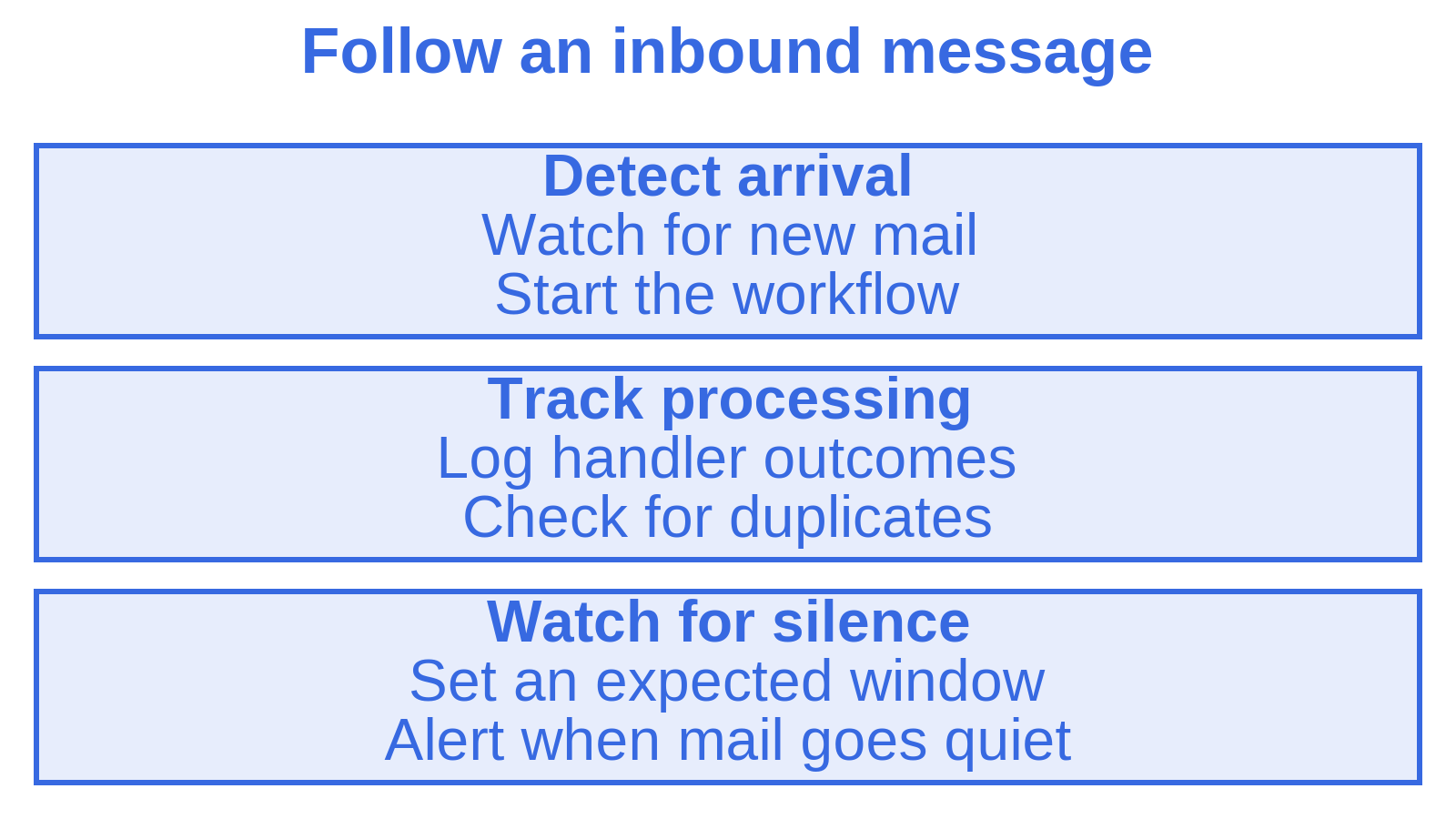
The first is detection: knowing a new message has arrived and starting work. In workflow platforms this is usually called a trigger. EmpowerGPT's documentation describes an integration trigger as a block that watches a connected application for an event such as a new email, starts the workflow and passes the event data to the blocks that follow.
The second is observability: knowing the whole path is healthy. Did the message arrive? Was it processed once? Did your handler return an error? Did the usual stream of mail from an important sender simply stop? An agent that silently stops receiving supplier replies or verification codes is worse than one that fails loudly.
Most teams build the first job and skip the second until something goes missing in production. Build both from day one.
Push or poll: choosing how your system finds out about new mail
There are three common ways to learn that mail has arrived.
Polling
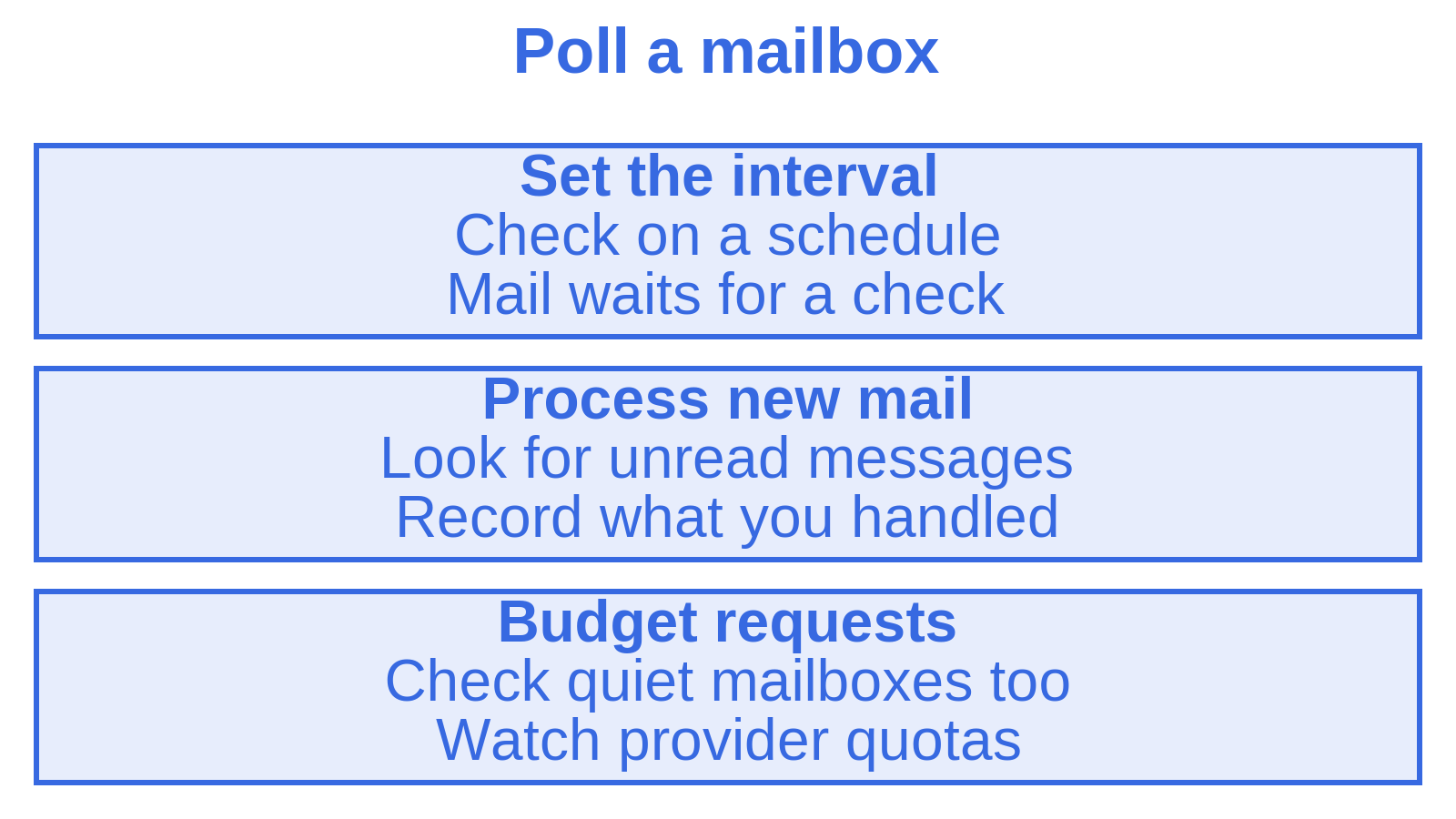
Your code asks the mailbox on a schedule. Oracle's Fusion AI Agent Studio email trigger works this way: it polls a designated mailbox at a configured interval, fires when a new unread email appears, and marks it read to prevent double processing. The open-source Jarvis agent documentation describes handling accounts that poll every 60 seconds, plus a one-time initial load that marks the most recent 200 messages as seen so old mail does not trigger agents.
Polling is simple and fine for a single mailbox with relaxed timing. Its weaknesses show at scale: the interval is your minimum delay, idle mailboxes are checked as often as busy ones, and every poll counts against provider quotas.
IMAP IDLE
IMAP IDLE lets the server push mailbox changes down an open connection. The specification, RFC 2177, says a server may drop an idle connection after 30 minutes of inactivity and that clients should re-issue the command at least every 29 minutes. That means one long-lived TCP connection per mailbox that you must keep alive and reconnect. For a product with thousands of tenants, that is thousands of connections to babysit.
Webhooks and sync tokens
Push delivery over HTTP moves connection management off your servers. The mailbox platform calls your endpoint when a message lands, and you respond quickly. For agents that prefer to pull, sync tokens give you the same efficiency: you ask "what changed since this state?" instead of re-listing the inbox.
Qubrics can send an inbound webhook when a mailbox receives mail. The Mailbox API supports incremental sync for mailbox, folder and query changes using state tokens. Call GET /mailbox/me to identify the mailbox, then use GET /mailbox/session for supported capabilities, state tokens and request limits.
| Approach | Delay | Connections to manage | Best for |
|---|---|---|---|
| Polling | Up to your interval | None, but repeated requests | One or two low-volume mailboxes |
| IMAP IDLE | Near real time | One per mailbox, renewed about every 29 minutes | Self-hosted scripts on a handful of accounts |
| Webhooks | Near real time | None on your side | Multi-tenant products, agent fleets |
| Sync tokens | Your pull interval, but only changes returned | None | Agents that run on their own schedule |
If a self-hosted assistant depends on an IMAP and SMTP script or expiring Gmail OAuth credentials, you can give it a persistent Qubrics mailbox with a credential scoped to that mailbox.
Give each agent or tenant its own mailbox
Monitoring is much easier when one mailbox maps to one owner. If ten customers share an inbox, every alert needs a second step to work out whose mail went quiet, and one tenant's flood can hide another's outage.
A Qubrics mailbox keeps the messages it receives. Create one for an agent, customer, workspace or tenant on the included @myagent.mx domain or a custom domain verified for sending and receiving. Each mailbox can have its own credential and storage quota. The Management API exposes delivery logs at team scope. You can read more on the inbound mailboxes page.
For a setup walkthrough, see our inbound email API setup in five steps.
What to log and alert on
A green dashboard on your web server says nothing about whether mail is flowing. The signals that catch real incidents come from the delivery layer.
Log every delivery at the door
Sazabi's webhook-gap guide recommends recording the source, event type, delivery ID, response status and time for every inbound delivery, before any business logic runs. When something goes missing, that log is how you tell "it never arrived" from "it arrived and our handler dropped it".
Alert on silence
Errors are easy to alert on. Silence is not. Set a threshold for time since the last accepted event per source or per mailbox, and compare each hour against the same hour last week with a minimum expected count. The same guide suggests reconciling periodically against the sender's own records and running canary events. For email, a canary can be a scheduled test message to a monitored mailbox that your pipeline must see within a few minutes.
Track rates per connection, not just globally
Hookdeck's observability guide makes a point that matters for multi-tenant products: a 99.5% global success rate can hide a 70% rate on one critical integration. Track success rate per mailbox or tenant, average attempts per event (healthy is about 1.0), p95 and p99 response latency, queue depth and the age of the oldest pending event.
A starting set of alerts
- No inbound event from a mailbox that normally receives mail within its expected window.
- Handler error rate (4xx and 5xx responses) above your threshold for any single mailbox.
- Oldest pending event older than your processing target.
- Attempts per event creeping above 1.0, a sign of retries or duplicates.
- Mailbox storage or quota nearing its limit.
Qubrics exposes team delivery logs through the Management API. Use the Mailbox API to check a mailbox's quota usage and limits. The webhook delivery history shows recent response status and latency. Our guide to email webhooks and reliable inbound processing goes deeper on handler design.
Keep what the agent reads small and clean
Monitoring is also about what the agent receives. A raw MIME thread with quoted history, signatures and headers wastes tokens and invites mistakes.
The Qubrics Mailbox API exposes cleaned message content so the agent can focus on a reply. Its raw body endpoint returns text, HTML or both without cleaning. Several endpoints exist specifically to keep payloads small:
GET /mailbox/messageslists messages with filters, sorting and cursor pagination.
- A count endpoint answers "how many?" without returning rows. That is ideal for volume monitoring and silence alerts.
- Search snippets return previews without pulling full bodies, so an agent can triage before it reads.
- Batch get, update and delete move many messages in one call.
A support agent, for example, can ask for unread messages in one folder from the last hour, read snippets, and open only the three that look like new tickets. The same count endpoint feeds your dashboard.
Parse, thread and route to the right agent
Once mail is detected, something must decide who handles it. Keep routing rules explicit and testable:
- Route by address first. If each tenant or agent has its own mailbox, the recipient already tells you the owner. This removes most guesswork.
- Thread by headers. Email replies use the In-Reply-To and References headers to identify earlier messages in the conversation. Check that replies reach the right thread in your mailbox during a test send.
- Filter before you wake a model. Use sender, subject, header or keyword filters to send invoices to an accounts-payable agent, candidate mail to a recruiting queue and enquiries to a property agent, and let obvious noise skip the model entirely.
- Mark state. Use keywords or folders to record "processed", "needs human" or "escalated", so a restart does not repeat work.
Teams building these flows often put an automation layer on top of the mailbox. A roundup of workflow automation tools is a useful way to see what automated actions driven by incoming email can look like, from record updates to approvals.
Secure the workflow: untrusted content and tenant isolation
Inbound email is untrusted input from the open internet. Treat every body, subject and attachment as data, never as instructions.
- Prompt injection. A message can contain text written to steer your agent. Give agents scoped tools, restrict what they can send and forward, and keep a human approval step for sensitive actions.
- Attachments. Process them in isolation, check type and size before opening, and store them outside the agent's context unless needed.
- Tenant isolation. One mailbox per tenant, with its own key and log, means an agent can only read what it was provisioned to read. Platform teams standardising tool access can apply OAuth scopes in the same way.
- Sender checks. Verify SPF, DKIM and DMARC results before trusting a sender's identity. For a custom domain, Qubrics checks the required DNS records for its sending or sending-and-receiving mode, including SPF, DKIM and DMARC.
Recover when processing fails
Handlers fail. Deploys happen, databases time out, a model provider has a bad hour. The question is whether the mail is still there afterwards.
Mail already accepted into a Qubrics mailbox stays there during a webhook endpoint outage. Use your last saved state token to request changes since the last point you processed. A reliable recovery pattern looks like this:
- Store the delivery ID or message ID of each event before acting on it, and ignore repeats.
- Return a success status quickly and do heavy work from a queue, so slow models do not cause redelivery.
- After an outage, use the sync endpoints with your last saved state token to fetch exactly what changed.
- Reconcile counts: compare your processed total for the window against the mailbox count endpoint. A mismatch tells you to replay.
- Keep failed items in a dead-letter state with the error attached, and alert when it grows.
Sazabi's guide notes that senders differ here: Stripe retries for up to three days with exponential backoff, while GitHub does not automatically redeliver failed webhooks. Do not assume a retry will save you. Design for replay from the mailbox itself.
What it costs to monitor inbound mail on Qubrics
See the Qubrics pricing page for plan and usage details. The Free plan has a US$0 monthly team fee and uses its included credit for usage. Pro costs US$7 per team each month plus usage. Enterprise pricing follows the team's contract.
Inbound costs US$0.000500 per distinct mailbox delivery. Storage costs US$0.02 per decimal GB per month, prorated by calendar day. Free and Pro pricing is based on the team and its usage, which matters when you provision a mailbox per tenant.
Where Qubrics fits
You can start on Free with a Qubrics mailbox on @myagent.mx, whether you are building an agent, testing a SaaS inbox per tenant or moving from IMAP polling to events. For custom domains, mailbox quotas and team delivery logs, see the inbound mailboxes page. If you are using an MCP client, see the MCP offering.
Our perspective
The inbound email problems agent builders tell us about most often involve connections and delivery. An OAuth token expires overnight. An IMAP connection drops, a provider rate-limits a mailbox or an unwatched webhook relay stops delivering.
We use the mailbox as the source of truth. With a persistent, addressed mailbox for each agent or tenant, you can check counts, apply filters and follow state changes at mailbox scope. Account for team scope when you read delivery logs.
Qubrics handles mailboxes, inbound events and sending through configured providers. The Mailbox API gives you cleaned content and lets you resume from a state token. The Management API provides delivery logs. The longer-term direction is a context layer that turns a company's mail into accurate, permissioned context its agents can act on, and reliable monitoring is the foundation for it.
Sources
Recommended
Frequently Asked Questions
Should I use webhooks or IMAP polling to monitor inbound email?
Use webhooks or an event stream when you have many mailboxes or need low delay. IMAP IDLE requires an open connection per mailbox, renewed roughly every 29 minutes under [RFC 2177](https://datatracker.ietf.org/doc/html/rfc2177). Polling can add a delay of up to its interval. Qubrics supports inbound webhooks, a mailbox event stream and sync tokens for fetching changes.
How do I know if expected email has stopped arriving?
Alert on silence. Track time since the last accepted message per mailbox, compare each hour with the same hour last week and set a minimum expected count. A scheduled canary message to a monitored mailbox gives you a direct end-to-end check.
How do I stop an agent processing the same email twice?
Store the message or delivery ID before acting and ignore repeats. Also record state on the message itself, using a keyword or folder, and resume from a saved state token after an outage.
Can each of my customers have a separate inbox?
Yes. In Qubrics, you can create a mailbox for each agent, customer, workspace or tenant on @myagent.mx or on a custom domain verified for sending and receiving. Give each mailbox its own credentials and storage quota. Free and Pro pricing is based on the team and its usage.
