Programmatic Inbox Provisioning: A Developer's Guide

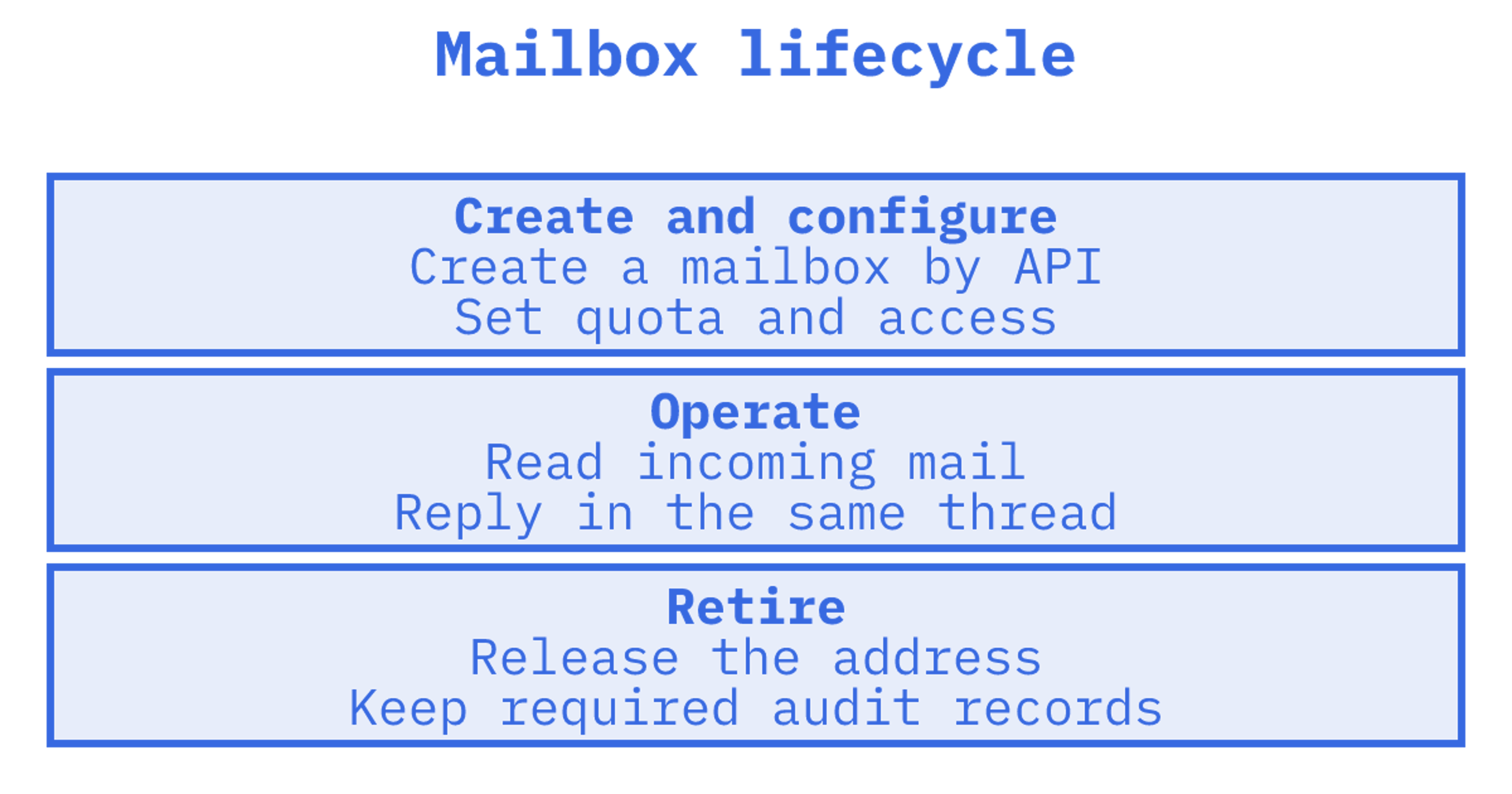
Programmatic inbox provisioning means your code creates a real mailbox through an API call, with its own address, then reads, sends, threads and retires it without a human opening an admin console. It differs from connecting an existing Gmail or Outlook account, where your app borrows access to a mailbox that stays with its original provider. For AI agents and multi-tenant products, provisioning is usually the cleaner model, because the mailbox belongs to the agent or tenant from day one and your platform controls its whole lifecycle.
This guide covers what provisioning involves, the architecture options, how to handle identity, isolation and deliverability, and what to compare before you commit.
TL;DR
- Provisioning creates a new mailbox by API. Connecting an account attaches your app to a mailbox someone already owns, along with that provider's token and quota baggage.
- A good provisioning flow covers create, configure, send and receive, and retire, all through one API, with a mailbox per agent, customer, workspace or tenant.
- Isolation, per-tenant quotas, scoped keys and delivery logs matter more than the create call itself.
- Domain authentication (SPF, DKIM, DMARC) decides whether the mail you send is trusted, so automate it alongside the mailbox.
- Compare options on lifecycle control, inbound handling, provider failover, operational effort and how the pricing model scales with mailbox count.
Table of Contents
1. What programmatic inbox provisioning actually covers
The phrase gets used for two different jobs, and mixing them up causes most of the confusion in architecture discussions.
The first job is enterprise directory provisioning: assigning licences or creating Exchange mailboxes for staff in bulk. That is an IT admin task tied to people and seats.
The second is what developers building agents and SaaS products mean: an inbox as an API resource. You call an endpoint, you get an address, and your software can then retrieve messages, send replies, work with threads, search mail and access attachments. An email inbox API in this sense saves developers from managing email protocols or building a separate integration per provider.
The difference from connecting an existing account is ownership. With a connected Gmail or Outlook account, the user owns the mailbox, grants consent, and the token can expire or be revoked. With a provisioned inbox, your platform owns the lifecycle. That is why teams whose OAuth tokens keep expiring in production, or whose agent mailbox got rate-limited or suspended by a provider, often move to provisioned mailboxes.
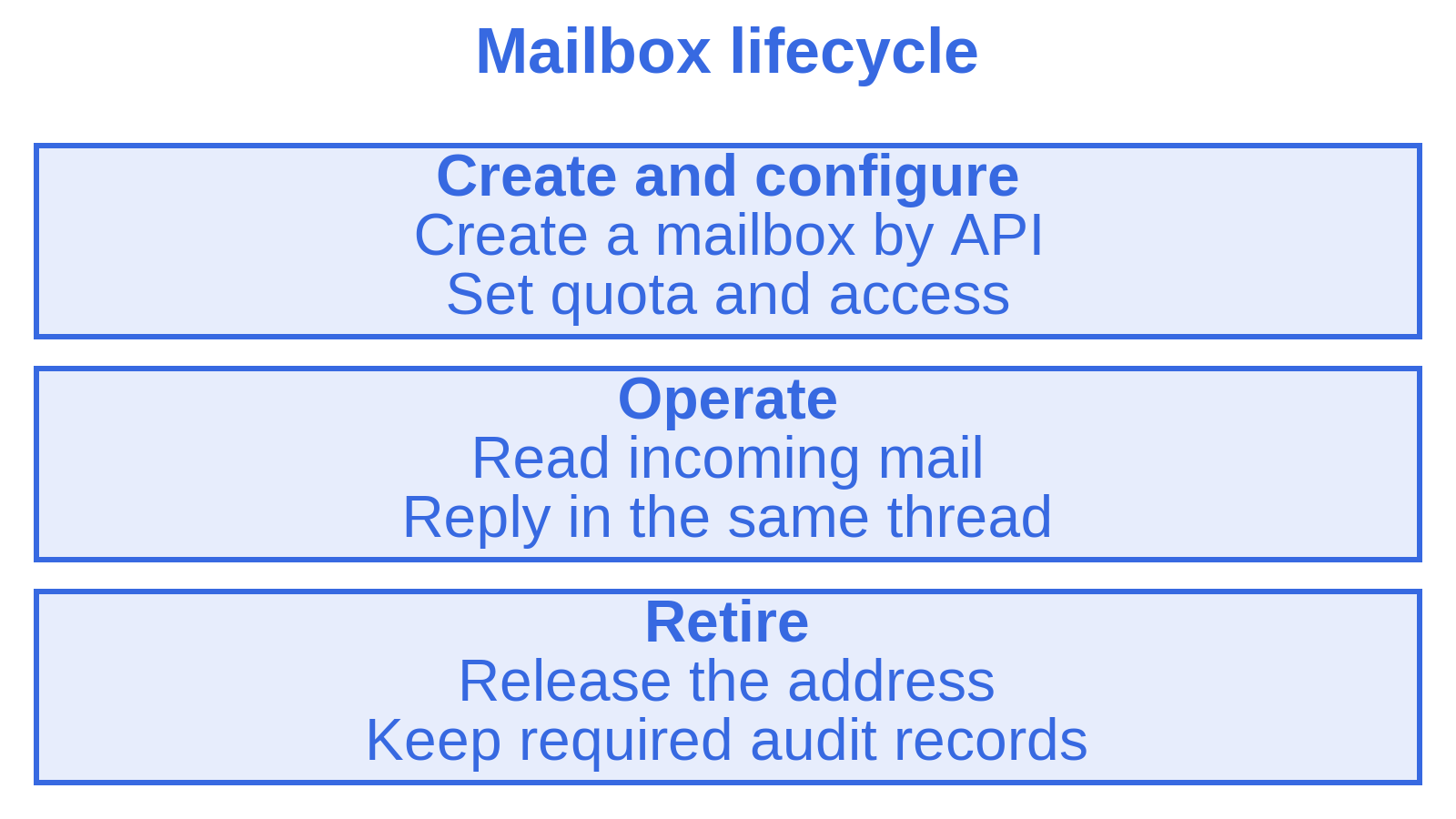
2. The four lifecycle stages
Whatever platform you use, a provisioned mailbox moves through the same stages. Design for each one before you write the first line of code.
Create. One call produces a mailbox and an address. The address might sit on a shared domain supplied by the platform or on your own domain once it is verified for receiving. Decide your naming scheme up front: a predictable pattern such as a tenant slug plus an agent role makes routing and audit easier later.
Configure. Set the quota, the sender identity, the webhook or event stream that tells your agent about new mail, and the keys that can act on the mailbox. Configure these per mailbox, not globally, or one noisy tenant will shape everyone's behaviour.
Operate. The agent reads, searches, replies on the right thread, handles attachments and moves messages between folders. This is where most of the engineering effort goes, and where a mailbox as persistent state beats a webhook drop that only hands you a payload and forgets it.
Retire. Tenants churn and agents get decommissioned. Retirement should release the address, stop billing for storage, and keep whatever audit trail your compliance needs. Many hand-rolled setups skip this stage and accumulate orphaned inboxes.
3. Architecture options compared
There are four common ways to give software an inbox. Each suits a different situation.
| Approach | How it works | Strength | Cost you carry |
|---|---|---|---|
| Managed mailbox API | You provision inboxes through the vendor's API | Lifecycle control, one integration | Vendor dependence |
| OAuth access to existing accounts | Users connect Gmail or Microsoft 365, you call provider APIs | Works with mail users already have | Token expiry, consent screens, provider rate limits |
| SMTP/IMAP scripts | You poll IMAP and send over SMTP | Minimal tooling | Polling loops, parsing, fragile threading |
| Self-hosted mail server | You run the MTA and storage | Total control | Deliverability, patching, abuse handling |
The split between APIs that provision inboxes and APIs that connect existing Gmail or Microsoft 365 accounts is described in Mastra's roundup of inbox APIs, which also lists self-hosted options such as EmailEngine and account-connection services such as Unipile.
The OAuth route deserves a closer look because it looks cheap at first. Microsoft documents that the delegated Mail.ReadWrite permission lets an app create, read, update and delete mail but does not include permission to send, so you request a second permission for sending. Every extra scope widens what a leaked token can do. Security vendors recommend auditing consent events to inventory high-risk delegated scopes such as Mail.ReadWrite and offline_access. A provisioned mailbox sidesteps most of that, because no human account is delegated to your app.
SMTP and IMAP scripts are the usual starting point for self-hosted assistants. They work until you need threading that survives reply chains, cleaned message text, or event-driven delivery instead of a polling loop. Our guide to email inboxes for AI agents walks through that migration in detail.
4. Sending and receiving once the inbox exists
Provisioning is only worth it if the inbox is useful to an agent. Four capabilities decide that.
Cleaned message content. Agents should read the new reply, not a raw MIME thread with the full quoted history beneath it. Stripping quoted text cuts the tokens you pay a model to read, and removes a common source of agents answering the wrong part of a message.
Precise retrieval. A busy mailbox cannot be re-listed on every run. Look for filtering by folder, thread, sender, subject, date range, keywords and attachments, a count call that returns a number rather than rows, previews without full bodies, and state tokens so the agent polls for changes only. Our Mailbox API guide covers these patterns for agent-scale mail.
Threaded replies. Replies need correct in-reply-to and references headers, or your agent's answers land as new conversations in the customer's client. Test this against real Gmail and Outlook recipients, not just a sandbox.
Inbound routing. Mail should reach the right agent or queue, by address, tenant or rule, and then trigger a webhook or event. If you are building this pipeline, the inbound email API setup steps lay out the sequence.
Attachments deserve their own test plan: size limits, base64 against uploaded references, and how long files are kept, since storage is usually a billed resource.
5. Identity, isolation and permissions
A mailbox per tenant only helps if tenants stay separate. Three controls do the work.
Scoped keys. Each agent or tenant should hold credentials that reach its own mailbox and nothing else. Platform teams standardising tool access increasingly use OAuth scopes for this, so an agent that only needs to read does not carry send rights.
Per-tenant quotas. From a multi-tenant systems view, isolation comes from trusted context that travels with every request, paired with per-tenant quotas and rate or concurrency limits that stop one tenant starving the rest. In email terms, that means a cap on messages sent, storage used and requests made, enforced per mailbox.
Separate logs and suppressions. If one tenant's bounces or complaints pollute a shared suppression list or a shared sending reputation, every other tenant pays. Keep delivery logs and suppression handling per tenant. Our checklists on multi-tenant suppression and isolation and seven migration steps for tenant email isolation go through the practical checks.
6. Deliverability: domains, authentication and provider limits
A mailbox that cannot reach inboxes is just storage. Authentication is the baseline.
Google's bulk sender rules, enforced from February 2024, require domains sending 5,000 or more messages a day to Gmail to use SPF and DKIM, publish at least a p=none DMARC record, and keep spam complaint rates under 0.3%. Even below that volume, unauthenticated mail is a poor bet.
Three practical points follow.
- Verify domains as part of provisioning. If a customer brings a custom domain, the SPF, DKIM and DMARC records are part of the onboarding flow. The fewer manual DNS steps, the fewer stalled tenants.
- Watch provider limits. Gmail and Outlook accounts used for sending carry their own caps and can be rate-limited or suspended. Spreading volume across more than one provider, with failover, protects a workflow from a single account being throttled.
- Separate sending streams. Keep transactional mail and outbound campaigns on different identities so a campaign's complaints do not drag down password resets.
7. How Qubrics approaches provisioning
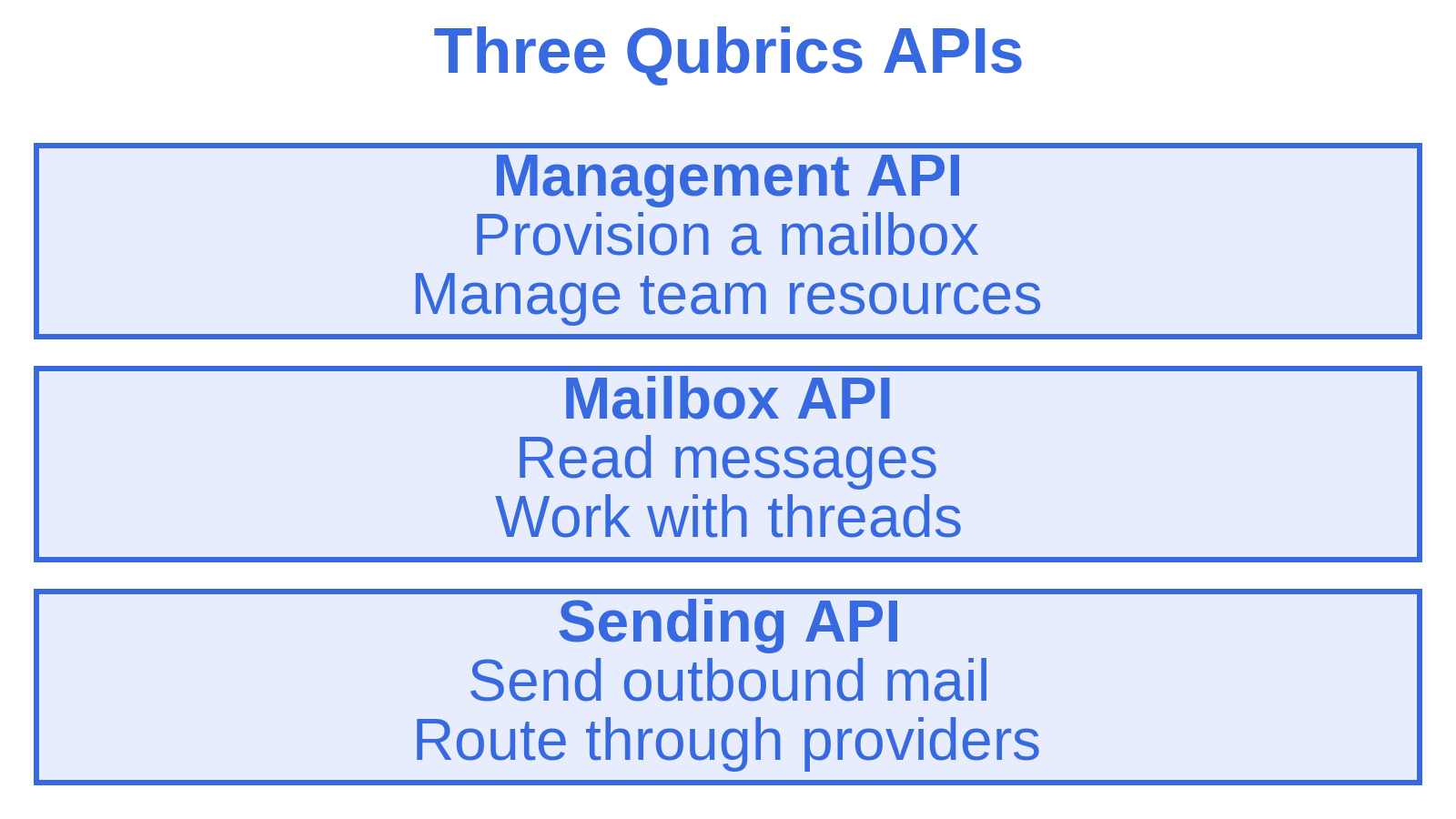
Qubrics, formerly Qubrics, offers dedicated mailboxes. The Management API provisions team mailboxes, and agents can register for an @myagent.mx inbox. The Mailbox API handles messages and threads, and the Sending API handles high-volume provider-routed sending.
The mailbox is persistent state. The Mailbox API covers messages, threads, folders, attachments, sender identities, quotas, usage and submissions. It offers separate endpoints for clean message content and raw text or HTML. Filtering, a count endpoint, search snippets, batch operations and sync state tokens keep payloads small. Access is available over REST and through the CLI. The API streams mailbox events over Server-Sent Events. Agents can register on the shared domain without setting up DNS.
On the outbound side, the Sending API can route mail through configured providers such as Gmail, Outlook and custom SMTP, or use managed Amazon SES. See the sending API with provider failover for details, and the multi-tenant infrastructure overview if you are building a platform with per-tenant keys and logs.
Our view: the mailbox should belong to the agent
Our position is that an agent's email identity is infrastructure, not an integration. A mailbox that is created by API, persists as state, carries its own quota and logs, and is isolated per tenant removes whole categories of production incidents, from expiring tokens to a suspended borrowed account.
We also think pricing should follow usage, not headcount of inboxes. Agents multiply quickly, and a model that charges per connected account or per inbox punishes exactly the architecture that works best. Qubrics bills by usage on Free and Pro, and its Mailbox API offers clean message content.
8. What to compare before choosing
When you evaluate providers, including AgentMail, Nylas, Resend or a self-built stack, score them on these criteria rather than on feature lists alone.
- Lifecycle control: can you create, configure and delete mailboxes by API, and is the address on your domain?
- Inbound depth: cleaned content, threading, attachments, search and routing, not just a webhook with a payload.
- Event delivery: webhooks or an event stream versus polling, and whether state tokens let you sync only changes.
- Provider resilience: can you bring Gmail, Outlook, SMTP or SES and fail over between them?
- Isolation: per-tenant keys, quotas, logs and suppressions.
- Operational effort: DNS automation, bounce handling and how much glue code you will maintain.
- Pricing model: whether cost scales with messages and storage or with the number of inboxes and connected accounts.
Build-versus-buy on your own mail server belongs on this list too. Running the mail server yourself gives control, but deliverability, abuse handling and patching become your permanent workload.
9. What it costs on Qubrics
Qubrics prices on usage, in US dollars. The published pricing lists a Free plan at US$0 per month per team and a Pro plan at US$7 per month per team, with Enterprise on request. Usage fees are:
| Item | Price |
|---|---|
| Connected outbound | US$0.000500 per provider-accepted recipient occurrence |
| Managed sending | US$0.000750 per provider-accepted recipient occurrence |
| Inbound | US$0.000500 per distinct mailbox delivery |
| Storage | US$0.02 per decimal GB-month |
Connected outbound is mail sent through your own providers, and managed sending runs through Qubrics. Because billing follows messages and storage, adding a mailbox for a new agent does not by itself add a per-inbox charge on non-enterprise plans.
Start provisioning
If you are ready to give your first agent or tenant a real inbox, the Qubrics inbound mailboxes page shows how provisioning, routing and the Mailbox API fit together. If you are wiring an agent through MCP, start from the AI agent builders page. The Free plan includes two mailboxes and US$1 in usage credit.
Sources
Recommended
Frequently Asked Questions
Is programmatic inbox provisioning the same as connecting a Gmail account?
No. Connecting a Gmail or Outlook account gives your app delegated access to a mailbox that remains with its original provider. Provisioning creates a new mailbox through an API that your platform controls, including its address, quota and retirement.
Do I need my own domain to provision inboxes?
You can start with an @myagent.mx inbox on Qubrics without setting up your own domain. If you need a branded address, check whether your mailbox provider supports your domain for inbound mail.
How many mailboxes should I create for a multi-tenant product?
One per tenant is the common baseline, with extra mailboxes for distinct agent roles such as support and billing. Separate mailboxes keep quotas, logs and suppressions per tenant, which is the main point of isolating them.
Should an agent poll the inbox or use webhooks?
Prefer webhooks or an event stream for new mail, and use sync state tokens for catch-up so the agent reads only what changed. Polling the full inbox repeatedly wastes requests and, for an LLM agent, tokens.
What authentication does a provisioned domain need?
SPF, DKIM and DMARC. Google's bulk sender rules make all three mandatory for domains sending 5,000 or more messages a day to Gmail, and it is sensible practice at any volume.
