Nylas Review: What It Does Well and Which Email API Fits AI Agents

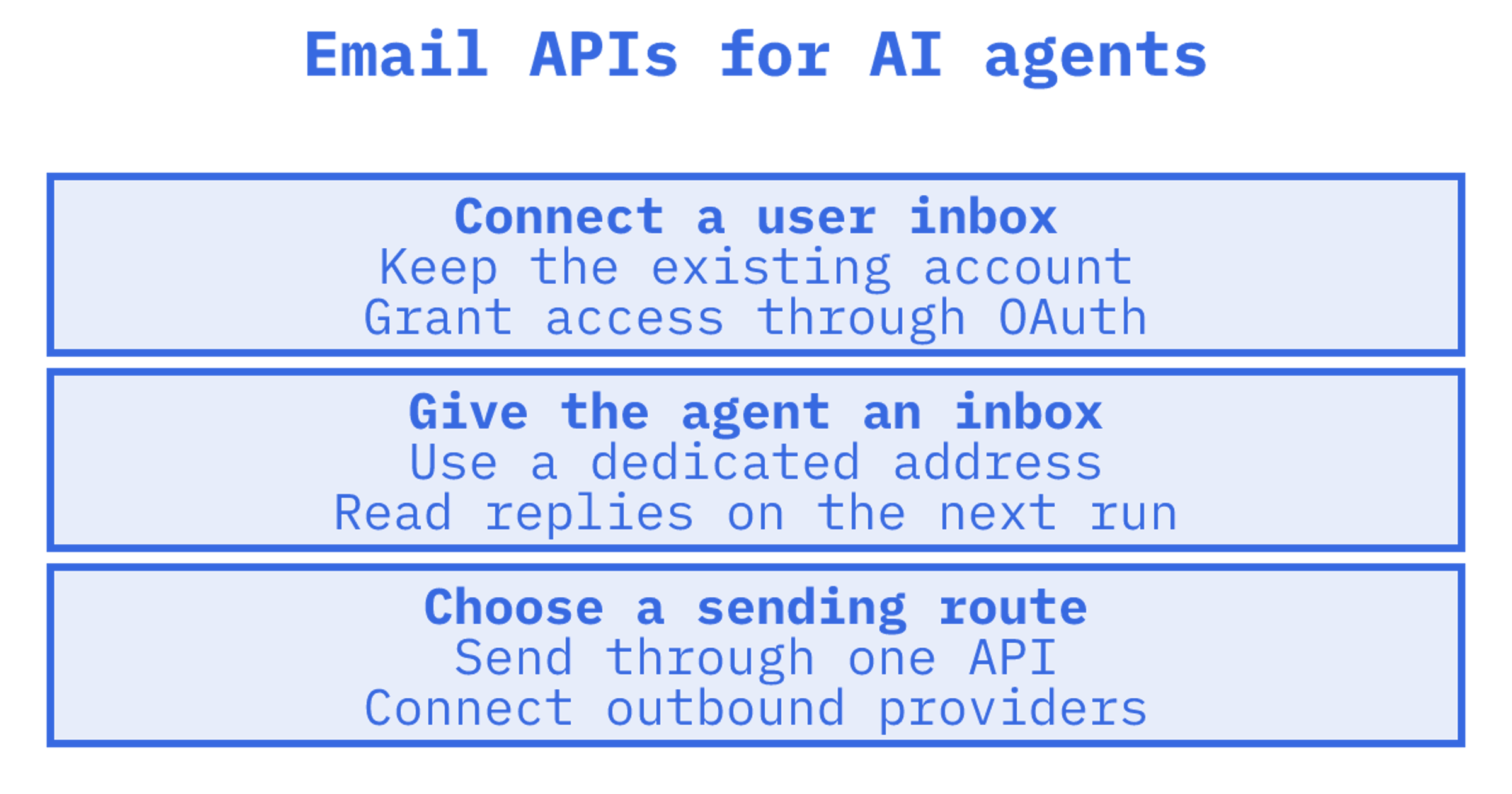
A customer replies after an AI support agent finishes its run. Where does that reply land? We'd ask that before choosing an email API. Nylas is an API for connecting your users' existing Gmail, Outlook and IMAP accounts to your app. If that is your product, it is a sound choice. If you're building agents that need dedicated addresses and send through several providers, Qubrics (now Qubrics) gives you agent mailboxes and provider-routed sending.
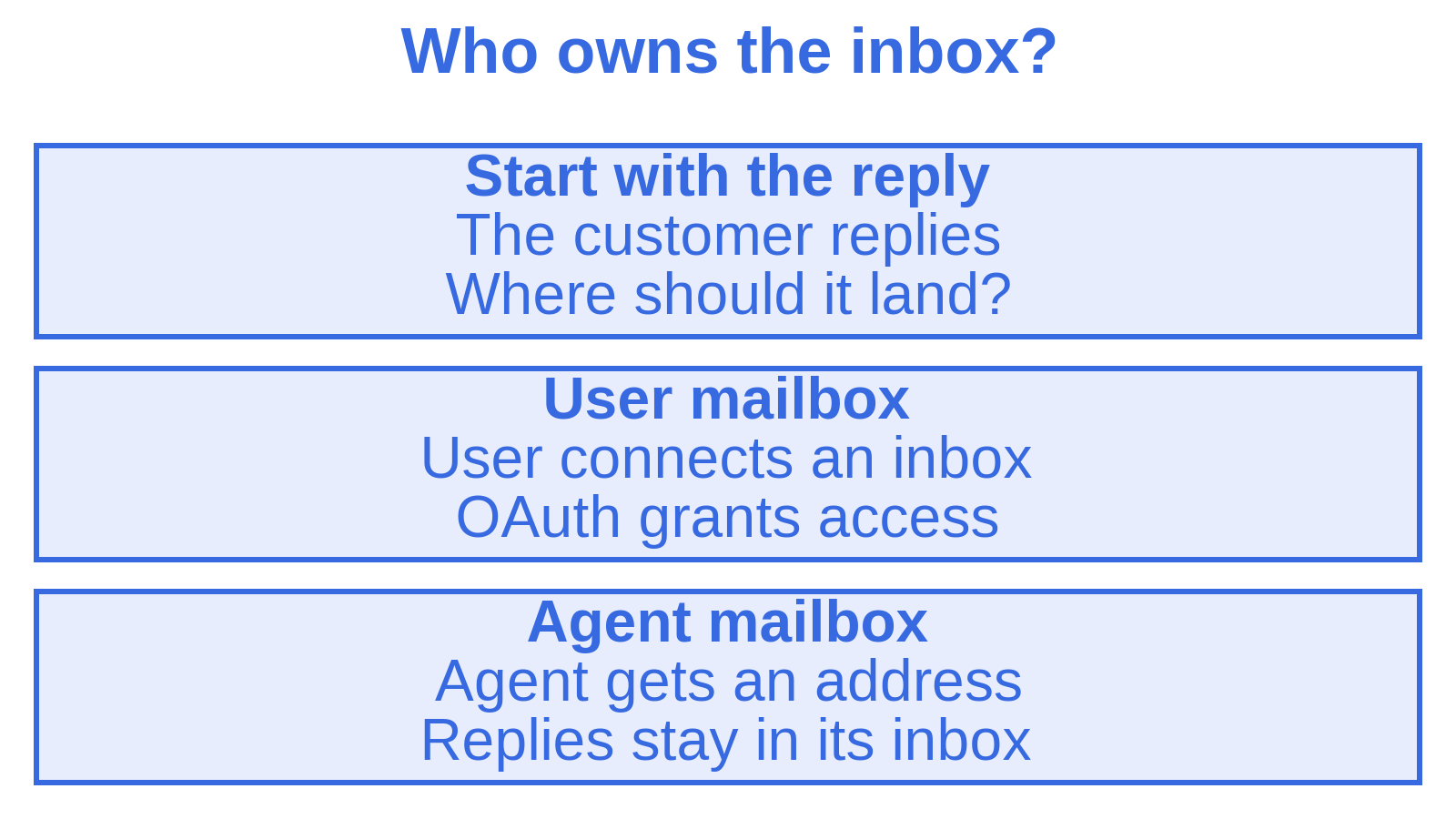
Who owns the inbox? We compare Nylas, AgentMail, Resend and Qubrics on that question, how replies reach the agent, which providers can send its mail and what it costs to add accounts.
TL;DR
- With Nylas, your users connect the mailboxes they already own through OAuth. You pay monthly for each connected account.
- Can the agent create a mailbox by API and open the same thread on its next run? Check whether someone needs to approve sending and when the credentials expire.
- Qubrics offers dedicated mailboxes on @myagent.mx or on a verified custom domain. Its Sending API can send through connected Gmail, Outlook and custom SMTP accounts or managed Amazon SES.
- Resend is a strong sender. AgentMail is built around inboxes. Qubrics combines agent mailboxes and outbound sending through configured providers.
Table of Contents
What Nylas is actually built for
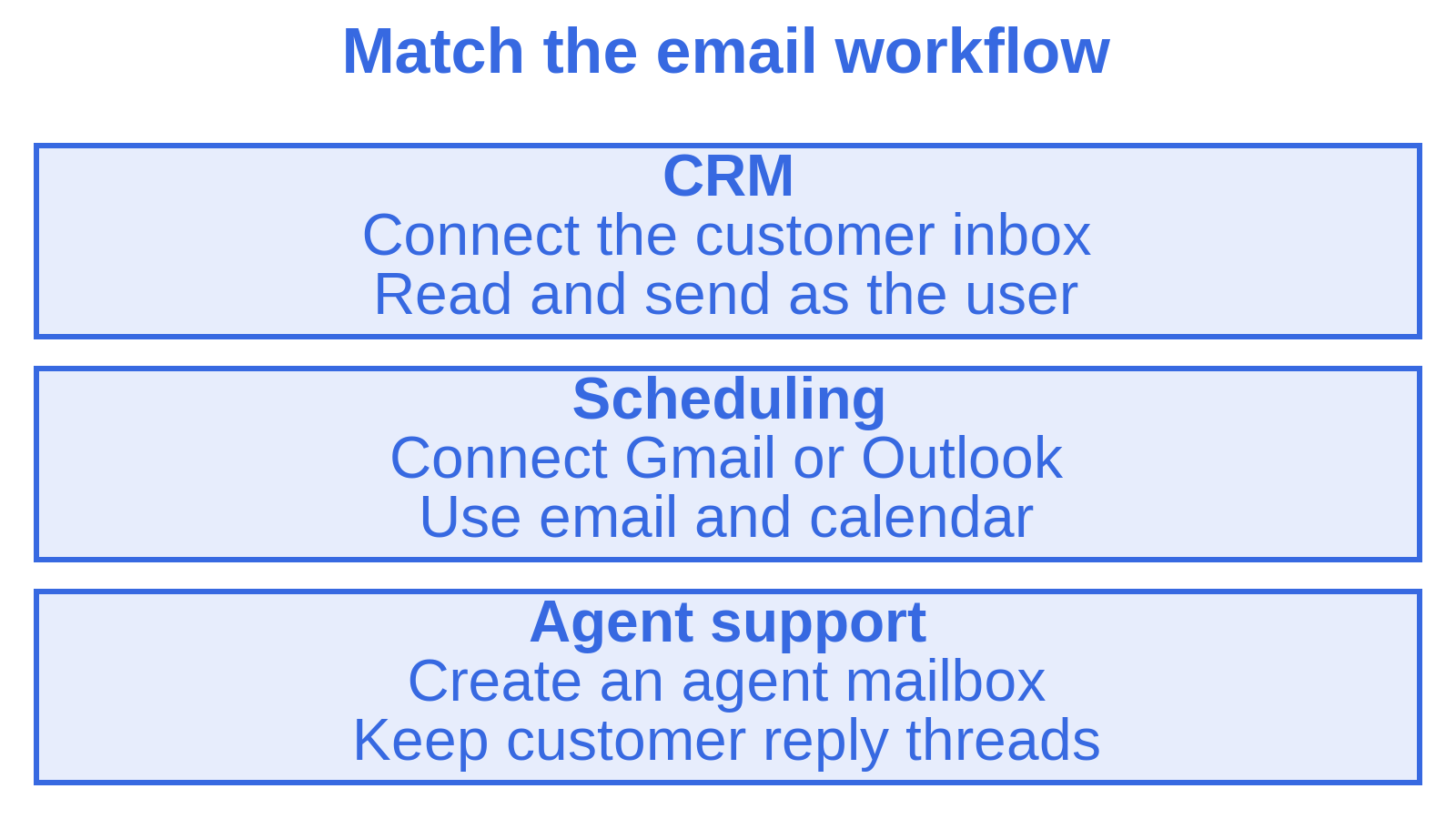
Say you're building a CRM for teams on Google Workspace or Microsoft 365. A customer connects Gmail and grants access through OAuth. From there, the CRM can read and send email on their behalf through Nylas.
The same connection gives an agent the account owner's sending limits and adds the same per-account cost.
That Gmail account still belongs to the person who connected it. If the agent sends hundreds of follow-ups an hour from a team member's account, the provider can throttle the inbox that person uses for everyday work.
Nylas prices per connected account per month. The rate depends on the capabilities you enable. Give each workspace its own connected account and even the one that hardly sends adds to the bill.
What an agent needs from email
Try the same customer conversation on each API. Send the first email and see what happens if the reply comes in after the agent's run ends.
- Can the agent create an address by API and use it on its next run? Try opening the thread when a customer replies to last Tuesday's email.
- Try reading a new reply. How many tokens go to signatures and messages the agent has already seen?
- What can the agent do if its provider rate-limits sends or suspends a sending account? Check what happens when bounces spike too.
- Check whether you can give each agent or tenant its own keys and logs and limit access to its own mail.
- Price out one mailbox per tenant and see what that does to your bill.
With Nylas, you start from an account the user already has. See how that compares with starting from a dedicated inbox or a tool built for outbound sending.
Nylas, AgentMail, Resend and Qubrics compared
| Criterion | Nylas | AgentMail | Resend | Qubrics |
|---|---|---|---|---|
| Core idea | Connect users' existing mailboxes via OAuth | Inboxes created for agents | Developer-friendly sending API | Agent mailboxes plus sending through configured providers |
| Mailbox owned by the agent | No, the user's own account | Yes | Sending-first, inbound is a secondary feature | Yes, on @myagent.mx or a verified custom domain |
| Pricing unit | Per connected account per month | Inbox-based tiers | Volume-based sending tiers | |
| Bring your own outbound providers | No | No | No | Yes, Gmail, Outlook and custom SMTP |
| Provider failover and weighted delivery | No | No | No | |
| Per-mailbox and per-provider quotas | Not the focus | Limited to inbox plans | Not the focus | Mailbox quota usage and limits, plus configurable provider quotas |
| Inbound parsed for agents | Message sync | Yes | Basic | Clean message content, with raw text and HTML available |
| Access methods | REST, SDKs | REST, SDKs | REST, SDKs | REST, SDKs, MCP, CLI, SMTP submission and IMAP access |
Look up each vendor's current plans before you budget. With Qubrics, check what's included for managed sending and what you'll pay the providers you connect.
Where Nylas is the right pick
For a scheduling tool that pulls email, calendar and contacts from existing accounts, we'd pick Nylas. Your app gets one API for Gmail and Outlook.
We'd start with a mailbox API when each agent needs its own address. If you already send from several domains, check whether you can keep your outbound providers.
Why agents fit a mailbox API better than an account-connection API
The Gmail OAuth hack and its failure modes
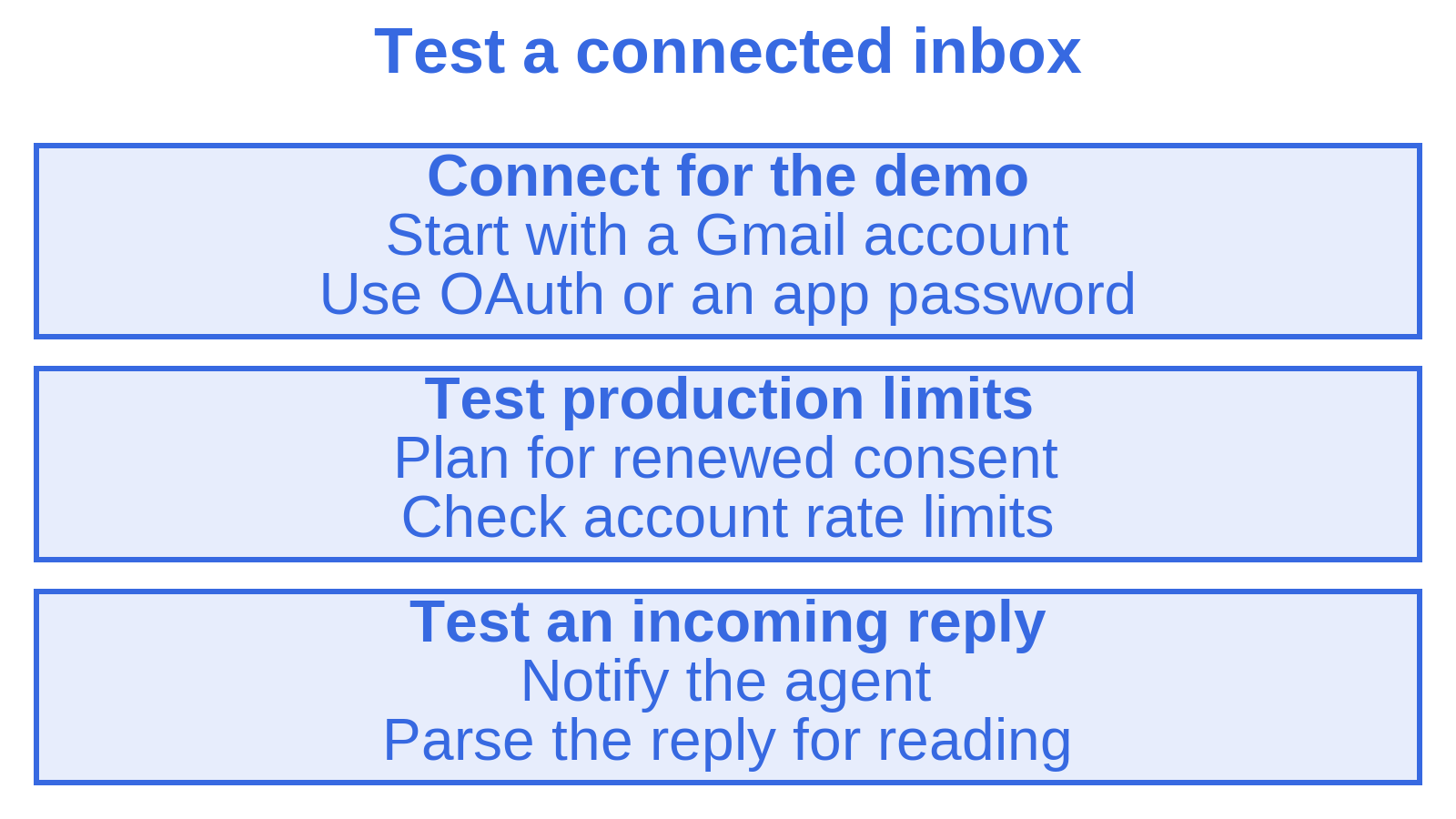
You can get a demo going with a Gmail account, using OAuth or an app password. In production, what happens if consent needs renewing or the account hits a rate limit? You may still need a way to parse replies and tell the agent when a new one arrives.
A Qubrics mailbox keeps the conversation between runs. The Mailbox API gives the agent access to messages and threads. It also covers folders, attachments, sender identities, quotas, usage and submissions.
Inbound that an agent can use without wasting tokens
Agents can read clean message content through the Mailbox API. If you need the original message body, the raw endpoint returns text, HTML or both.
Several Mailbox API endpoints let you limit how much data you fetch.
GET /mailbox/messageslists messages with filters, sorting and cursor pagination.
- A count endpoint answers "how many" without returning rows.
- Search snippets return previews without pulling full bodies.
- Batch get, update and delete move many messages in one call.
- Sync endpoints return state tokens, so the agent polls for typed changes rather than re-listing the inbox.
Say an agent has hundreds of support replies to triage. On its next run, it can ask what changed since the last sync, then open the threads it needs.
Sending that does not depend on one provider
Use the Qubrics Sending API to send through Gmail, Outlook, custom SMTP or managed Amazon SES. You can configure quotas for your connected providers. Cold email and outbound teams sending across many sender domains care about that control, and so do agencies isolating each client's workflow. See the email sending API for more on outbound sending.
Domains without the DNS grind
For a Qubrics mailbox, use the shared @myagent.mx domain or verify a custom domain for sending and receiving. The shared domain needs no DNS setup, so an agent can register an address at 2 am. For a custom domain, publish the required DNS records and run verification in Qubrics. It checks the SPF, DKIM and DMARC records as part of that process.
What the pricing model does as you grow
Say you run 2,000 workspaces with a connected mailbox in each one. Per-account pricing means paying for all 2,000 accounts, even when most sit idle. If you're comparing a usage-based plan, check what the vendor meters and price out a typical month.
Compare plans on the Qubrics pricing page and see whether the sending limits hold up on your busiest day.
How to choose: a short decision guide
- Users bring their own Gmail or Outlook and you need calendar sync too. Nylas fits the account-connection job.
- Each agent, tenant or workspace needs its own mailbox and address. Choose a mailbox API. Qubrics is our pick, because it also covers the outbound side.
- You already send through your own Gmail, Outlook or SMTP accounts and want to set quotas. Qubrics lets you connect those accounts for outbound sending.
- You send transactional email and skip reading replies. A sending API can handle that. If the agent needs to follow the conversation, look for mailbox and threading support.
- You work in an agent framework or a coding assistant. Qubrics has REST, SDK, MCP and CLI access to its mailbox features. The MCP page shows how to connect it.
For a longer side-by-side, see our guide to Nylas alternatives for developers.
Getting started with agent mailboxes
Start with inbound mailboxes to give your first agent a real address. Add your own provider when you need outbound sending. Free has fixed sending limits. Pro gives teams a higher starting daily limit for managed sending.
Our perspective
A person connects one mailbox and checks it a few times a day. An agent fleet creates and retires mailboxes constantly, reads in bursts and sends through whatever capacity it can find.
We built Qubrics to put mailboxes, inbound processing and outbound sending through configured providers in the same product. Give the agent a dedicated address, then fetch the conversation through the Mailbox API or send through the Sending API.
Reading clean reply content also helps cut the token cost of reading mail, which is a real line item once agents handle thousands of threads.
Sources
Recommended
Frequently Asked Questions
Is Nylas good for AI agents?
We'd use Nylas for an agent working from a user's connected Gmail or Outlook inbox. If the agent needs its own address, give it a Qubrics mailbox on @myagent.mx. You can use the shared domain without setting up DNS.
How does Nylas pricing work?
Nylas bills each connected account monthly. The rate depends on the capabilities you enable. Count the accounts you'll connect and look up the current Nylas rate for the features you need.
Can I get a Resend alternative that also receives email?
Yes. With Qubrics, the agent receives replies in a dedicated inbox and sends through a connected provider or managed sending. The next time it runs, it can find the thread through the Mailbox API and continue the conversation.
Can Qubrics use my existing Gmail, Outlook or SES accounts?
You can connect Gmail, Outlook and custom SMTP accounts in Qubrics and set quotas for them. If you already have an Amazon SES account, check your SES credentials against the custom SMTP setup. Qubrics also offers managed Amazon SES.
Does Qubrics work with agent frameworks and coding assistants?
Yes. We'd try REST or an SDK for an agent framework. For a coding assistant, we'd start with MCP or the CLI. Qubrics also supports SMTP submission and IMAP access for tools that use those protocols.
