Sender Domain Routing: How to Choose Where Each Email Goes

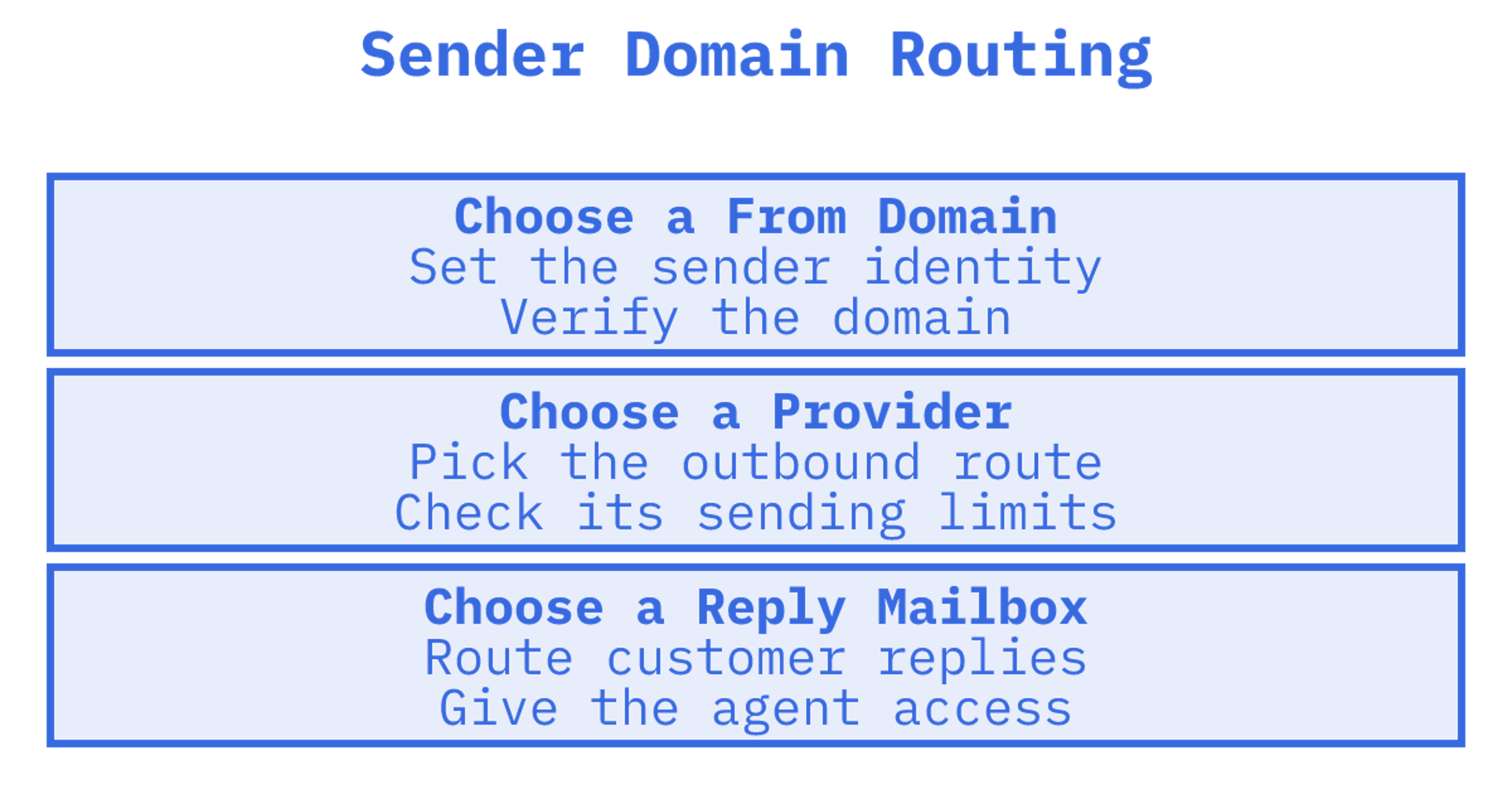
Your agent sends a quote. The customer replies to your support inbox, and the agent keeps waiting. Sender domain routing lets you choose the From domain, sending provider and reply mailbox before the email goes out.
Check the DNS records, send a test thread and read its headers. Before adding tenants, make sure the reply reaches the mailbox the agent actually checks.
TL;DR
- The recipient's domain tells a sending server where the message goes. Your app uses sender domain routing to choose the From domain, provider and reply mailbox.
- MX records point to the servers that accept inbound mail. SPF and DKIM authenticate outbound mail. DMARC checks that authentication against the visible From domain.
- Use a separate domain or subdomain when you need to track a tenant's or workload's sending reputation on its own. Set quotas on the routes it sends through.
- If authentication fails, look for stale provider records and count the SPF lookups. If you depend on SPF for DMARC, compare the return-path domain with the From domain.
- In Qubrics, use the Management API for domains and mailbox provisioning, the Sending API for outbound routes and the Mailbox API to read replies.
Table of Contents
What sender domain routing actually means
Your app picks the sending path. The recipient's mail setup determines which server accepts the message.
In recipient-based routing, a sending server checks the recipient domain's MX records to find where to deliver mail. Whoever owns the recipient's domain sets those records. For how an MX target works, see Hetzner's DNS documentation.
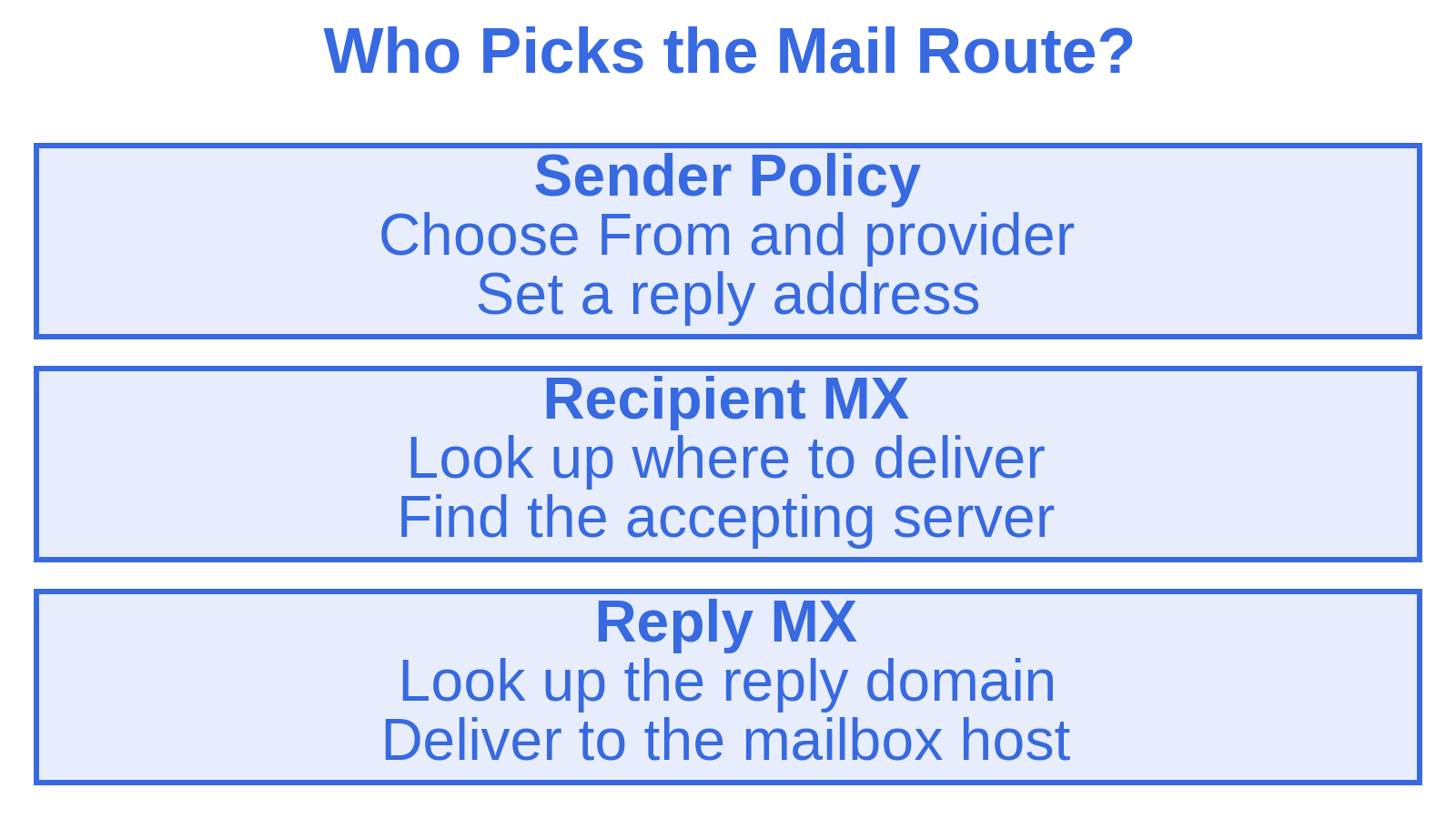
In sender-based routing, your app picks a From domain and a mailbox for replies. It also chooses a relay, such as Gmail, Outlook, an SMTP service or Amazon SES. The policy that makes those choices is sender domain routing.
Say one app sends order updates for two shops. Give each shop a From address and a mailbox its agent can check for replies. Keep logs for each shop so you can look up a missing update.
The DNS records behind every routing decision
After choosing a From domain, set its DNS records so receiving servers can authenticate your mail and sending servers can find the reply mailbox.
MX: where mail for the domain arrives
MX records tell sending servers who accepts mail for the domain. To give the agent replies on your own domain, point its MX at the server that hosts the mailbox. If the domain already serves staff on Google Workspace or Microsoft 365, changing its MX moves their incoming mail too. Many teams give agents a subdomain for that reason.
SPF: which servers may send for the domain
Receiving servers use SPF to check which hosts and IP addresses can send for a domain. Each provider you add with an include can count towards the 10 DNS lookups allowed during SPF evaluation. Go past the limit and SPF returns a PermError. See Spamhaus's sender guidelines.
DKIM: a signature that survives forwarding
Receivers verify a DKIM signature using a public key from DNS. Give each provider a distinct selector so receivers can find its key. The From domain stays the same as messages take different routes and different providers sign them.
DMARC: the policy that ties it together
DMARC applies the From domain's policy when neither SPF nor DKIM passes with alignment. If a provider signs with its own unrelated domain, DKIM can pass for that domain. To align through SPF for DMARC, set a return-path domain that aligns with the From domain. See the five DNS steps in the return path domain guide and the syntax in the SPF, DKIM and DMARC setup guide.
Four routing patterns, and when each fits
Work out which senders need their own identity. Then check whether their mail can still go out if a provider goes down.
| Pattern | How it works | Best for | Main risk |
|---|---|---|---|
| One domain, one provider | Every message sends as the same domain through one relay | A single product with transactional mail | One outage or suspension stops all email |
| One domain, many providers | Same From domain, traffic split across providers by weight or failover | Teams needing resilience and higher volume | SPF lookup limit, inconsistent DKIM setup |
| Domain per tenant | Each customer or workspace has its own domain or subdomain | Multi-tenant SaaS, agencies | DNS onboarding effort at scale |
| Domain per workload | Separate subdomains for transactional, outreach and agent replies | Any team mixing mail types | Easy to forget warm-up and monitoring per subdomain |
A platform could give each tenant a subdomain and put two providers on each sending route. If one is suspended, use the other while it has quota left and remains eligible.
Why isolating by domain protects you
Put receipts and cold outreach on different subdomains so you can track the sending reputation of each. For how Gmail and Yahoo handle domain reputation, see the outbound email infrastructure guide.
Place a test order at the shop. Check that the receipt takes the transactional route and that your reply lands in the shop's mailbox. For promotional sends, see the ecommerce email marketing guide.
Setting up sender domains for many agents or tenants
Run a test thread with one sender before provisioning the others.
1. Decide the identity model
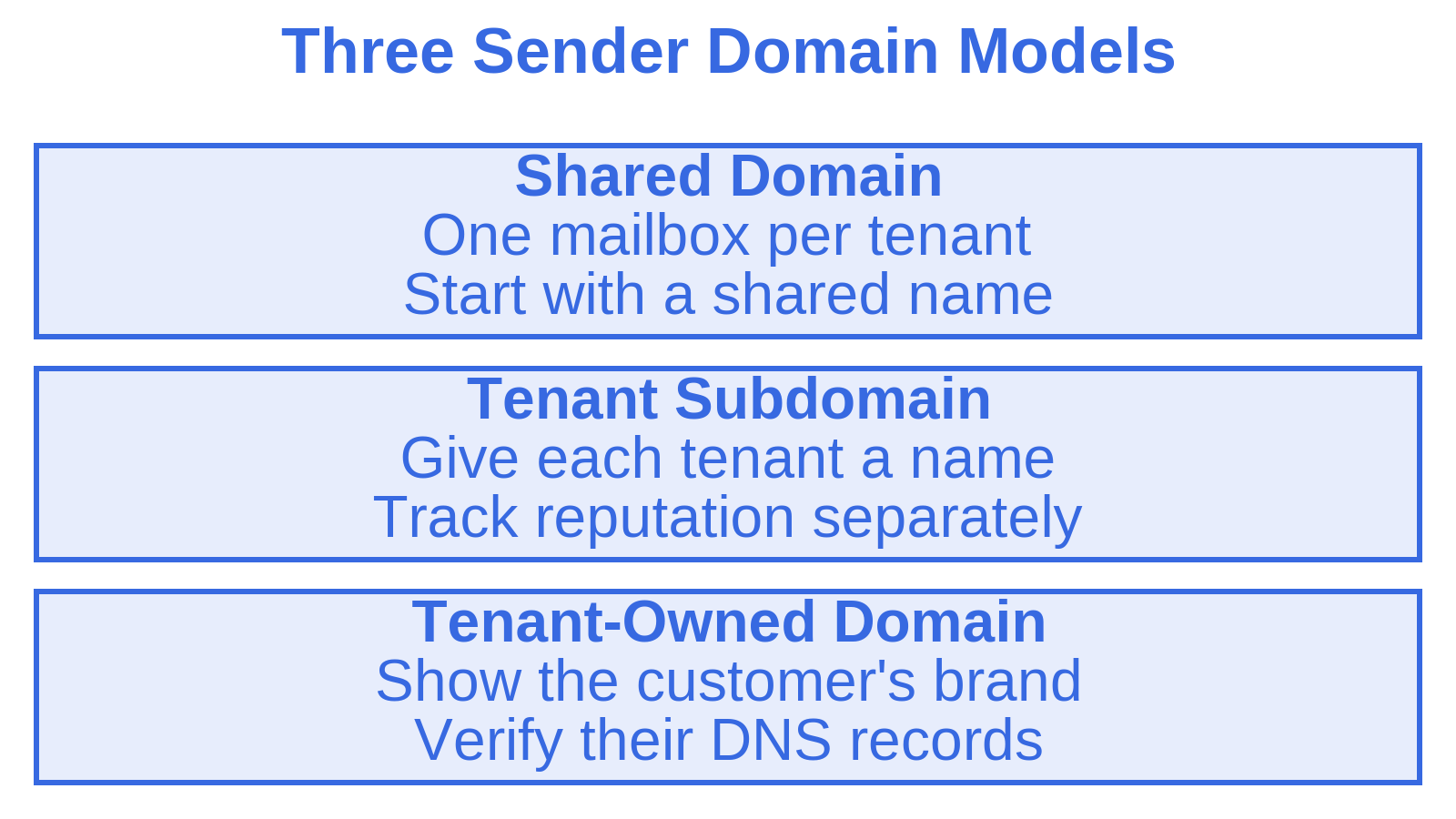
If tenants just need their own mailboxes, start with a shared domain. Use a subdomain for a tenant whose sending reputation you need to track separately. Use the tenant's own domain if the From address should carry its brand, and have its DNS administrator add the records.
Qubrics can give each agent, customer, workspace or tenant its own mailbox within the team's limits. Start with an address on @myagent.mx or a custom domain verified for sending and receiving.
2. Verify the domain
Add the SPF, DKIM and return-path records the provider requires. If an SPF record already exists, merge the new entries into it. Check that the records resolve before you send a test message. For the order of the checks, see the domain verification guide.
Qubrics checks the DNS records required for your custom domain mode, including DKIM and the presence of a DMARC record. Receiving on a custom domain requires an inbound MX record. An agent can register an inbox on @myagent.mx without editing its DNS. The owner still has to accept the invitation and approve sending.
3. Add inbound routing deliberately
Set MX to the mailbox host on the domain or subdomain where you want replies. Map addresses to the agents, queues or webhooks that handle them. Use a subdomain for agents if the parent handles staff mail, and keep the staff domain's MX records in place.
4. Choose the provider path per sender
Choose a provider for each sender identity. You can use a customer's Gmail or Outlook account, an SMTP relay, Amazon SES or another managed service. Set sender and provider quotas so a single tenant cannot exhaust the shared allowance. Compare email provider routing for AI agents and Amazon SES routing.
Qubrics lets you configure routing weights and quotas for eligible connected sending accounts, including Gmail OAuth, Outlook and custom SMTP. A delivery group routes through eligible member providers. If none is eligible, it cannot fall back outside that group. Managed Amazon SES is a separate sending option. See the sending API.
5. Log everything per sender
Log the provider for each send. Group the bounces and suppressions by tenant so you can find that tenant's traffic when mail goes missing. Read Qubrics delivery logs through the Management API. Use signed webhooks for delivery, bounce and inbound events, and scope the subscription to selected mailboxes when needed. The Mailbox API also offers a live event stream for received mail.
6. Monitor, then expand
Start with modest volume on a new subdomain. Check its bounces and complaints before increasing the number of sends.
Troubleshooting routing and authentication failures
If an outgoing message lands in spam, open its headers first. If a reply goes missing, look at the receiving domain's mail records.
- Read the headers. Take a test message that was delivered and check the SPF, DKIM and DMARC results. Note the domain each check used. See the email header analyzer.
- Count SPF lookups. Receivers return a PermError if SPF needs more than ten DNS lookups. Clear out old providers before adding another. See Spamhaus's sender guidelines.
- Audit for stale records. Follow Spamhaus's advice to remove obsolete entries. A CNAME from a cancelled service can point to a resource someone else can claim.
- Check alignment. Look at the domains that passed SPF and DKIM. For DMARC, at least one needs to line up with the visible From domain.
- Check MX against intent. If replies go missing, check whether the MX records point to the mailbox host. Make sure an older MX with a lower priority number isn't taking precedence.
- Check quotas and provider status. If you accepted a message and it hasn't gone out, look in the delivery logs. See whether the route has an eligible provider with quota left.
Why the usual build looks like a stack of parts
Some teams run a sending relay and use Gmail OAuth for incoming replies. Add an inbound parser and a webhook relay and you have a few places to check when the thread goes quiet. The token may have expired, or the sending account may have reached its limit.
Put the From domain, provider, quota and reply mailbox in the same routing policy. If the thread stalls, you can look up where the email went and where to expect a reply. See the outbound email infrastructure guide and SMTP relay comparison.
What it costs to run routing on Qubrics
Qubrics bills Free and Pro by team plan and usage. Free is US$0 per month per team and Pro is US$7 per month per team. Enterprise pricing follows the contract. Connected outbound costs US$0.0005 per provider-accepted recipient occurrence. Managed sending costs US$0.00075 per provider-accepted recipient occurrence. Inbound costs US$0.0005 per distinct mailbox delivery, and storage costs US$0.02 per decimal GB-month. The prices were read in September 2026. Check the pricing page for the current rates.
Because connected outbound uses the providers you already own, you keep your own sending accounts and add routing on top.
Where to start
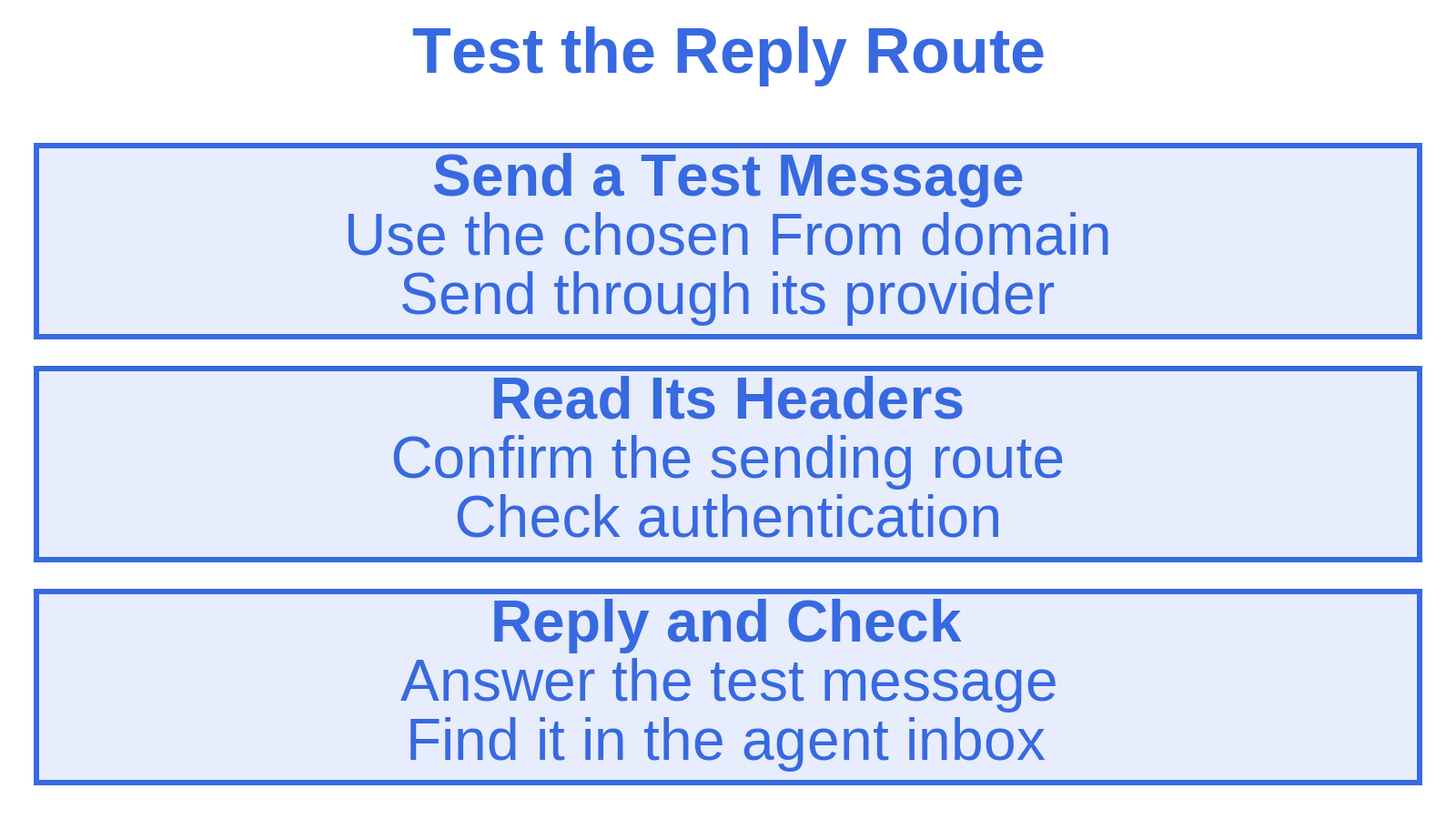
Start with one agent and one sending account. If you're using a custom domain, verify it first. Set a sending limit and send a test message. Read its headers, then reply and see whether the agent's mailbox gets it. On the Free plan, you can create a mailbox and connect one sending account. Test a second connected account when your plan allows it. The agent email product page explains sending, receiving and routing. For an outreach rollout, see the sales outreach agents use case.
Our view on sender domain routing
Routing is where agent email either scales or breaks. We have seen the same shape of problem described by developers again and again: an agent works in a demo on one Gmail account, then the token expires, the mailbox is rate-limited, or the second tenant arrives and shares the first tenant's reputation.
Choose the sender identity, provider path and reply mailbox together. Give each agent or tenant an address and mailbox within the team's limits. Configure connected provider quotas and routing weights, and use the Mailbox API to read the thread with quoted history stripped when needed.
Qubrics brings mailboxes, provider-routed sending, domain verification and mailbox events together. To plan a rollout, check both the team's mailbox limits and what it will send, receive and store.
Sources
Recommended
Frequently Asked Questions
Is sender domain routing the same as email forwarding?
Sender domain routing chooses the From domain and provider before you send. Forwarding takes mail that has arrived and sends it to another address. Set the reply address to the agent's mailbox if that's where it should receive the customer's answer.
Should every tenant get its own domain?
Start with one Qubrics mailbox per tenant on @myagent.mx. Use a separate subdomain if you need to track a tenant's sending reputation on its own. If the From address needs the tenant's brand, have its DNS administrator add the records to verify the domain for sending and receiving.
How many providers can share one sender domain?
Count the DNS lookups each provider adds to SPF. SPF allows 10 lookups. It returns a PermError if you go over. Remove SPF entries for retired providers and give each active provider a separate DKIM selector. See [Spamhaus's sender guidelines](https://www.spamhaus.org/sender-guidelines/).
What should I change first if my routed mail lands in spam?
Open the message headers first. DMARC can pass if a domain that passed SPF or DKIM aligns with the visible From domain. After checking that, look for a jump in volume on one provider or sender domain.
Can I route inbound mail to different agents?
Give each agent its own address and point the receiving domain's MX records at the mailbox host. Scope Qubrics's signed inbound webhooks to the mailboxes your app handles. See the [inbound mailboxes](https://sendmux.ai/product/inboxes) setup.
