Connect a Gmail or Outlook Inbox to Your AI Agent

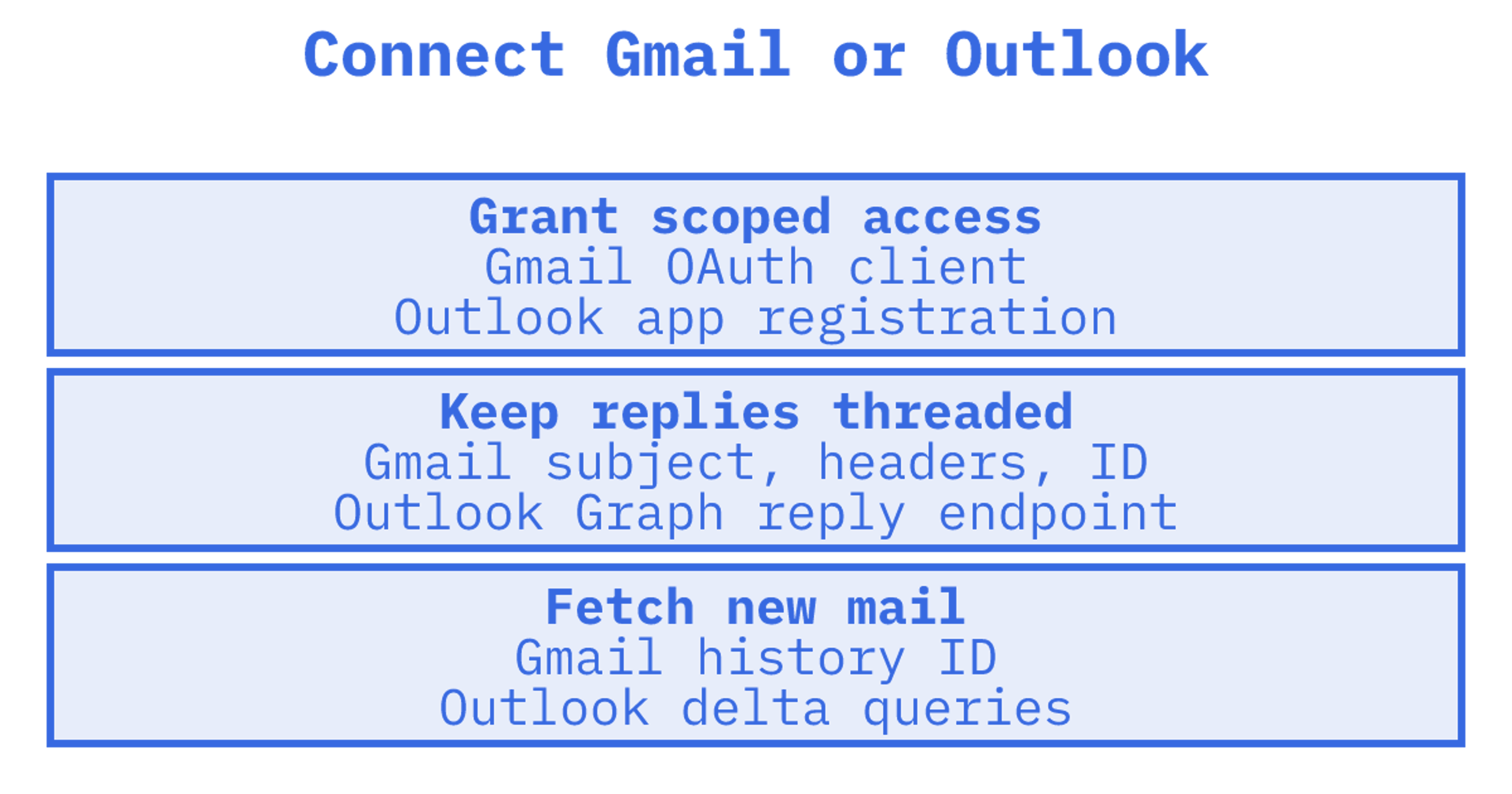
Your AI agent replies. Gmail opens a new thread, leaving the customer to piece the conversation together. We'll cover connecting through the Gmail API, Google's remote Gmail MCP server or Microsoft Graph for Outlook. Scope the agent's access first. Then keep replies threaded and fetch changes since the last sync.
Start with the job. A Gmail agent that sends order updates needs a send scope. For a morning digest, a Gmail agent needs read access.
TL;DR
- For Gmail, set up OAuth 2.0 and choose the Gmail API or the remote server. For Outlook, register an Azure app. Then call Microsoft Graph. For the remote server, use Google's Gmail MCP guide.
- Give the agent only the permissions it needs. For sending alone, request a send scope.
- When replying in Gmail, match the original subject, include the RFC headers and pass the thread ID. Call a Graph reply endpoint for the original message.
- Test token expiry, an account at its sending quota and an email that tries to redirect the agent's actions.
- For one agent per customer, workspace or tenant, Qubrics lets you provision a dedicated mailbox and use the Mailbox API to access its persistent messages.
Table of Contents
Two ways to connect: someone's existing inbox, or a mailbox made for the agent
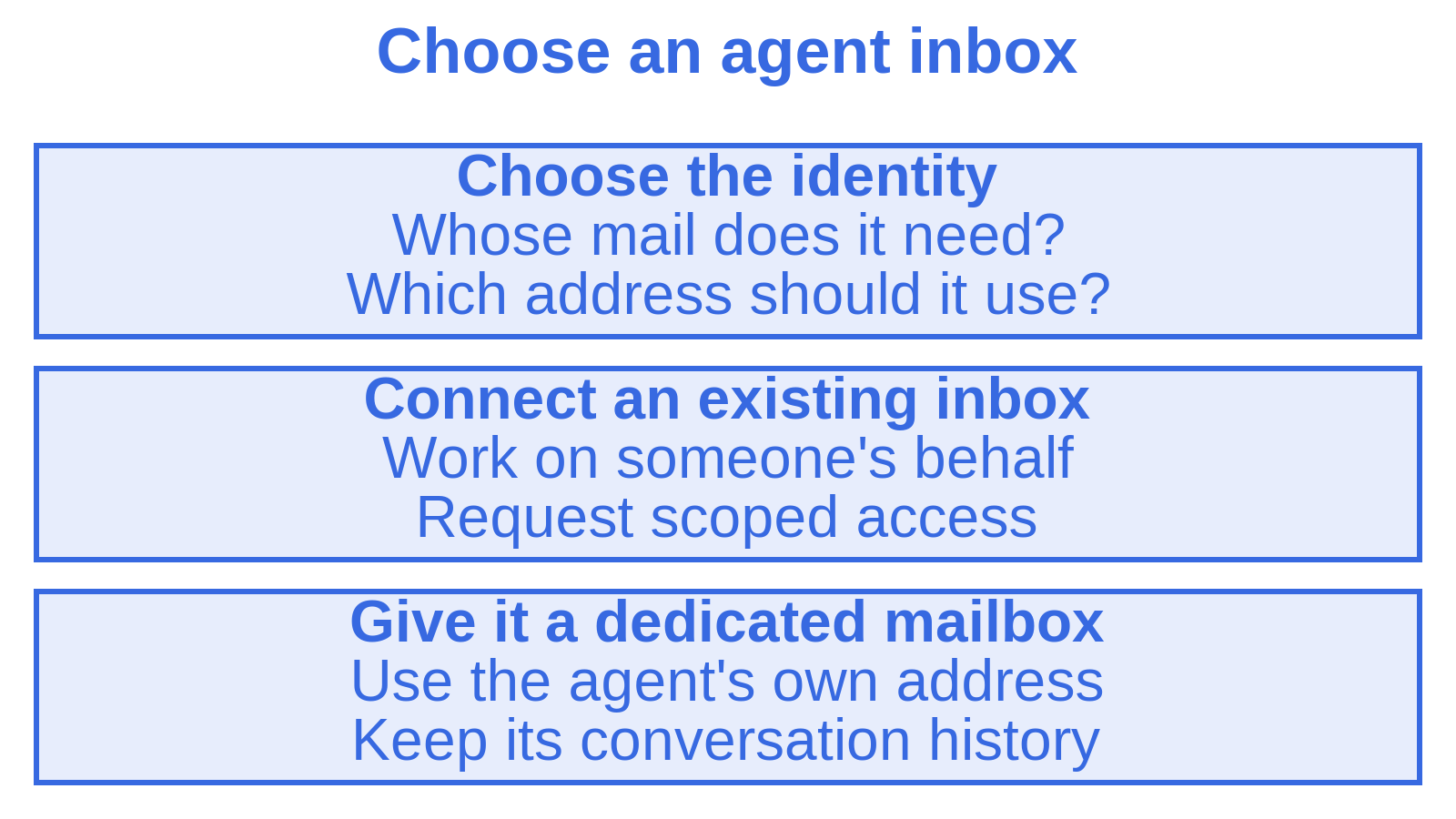
Decide whose messages the agent needs to read.
When the agent works on someone's behalf, connect their existing Gmail or Outlook inbox. The account holder grants access through OAuth. The granted scopes limit what the agent can do.
When the agent corresponds under its own address, give it a dedicated mailbox. Keep its conversation history there.
A meeting assistant that checks your correspondence needs your inbox. A support agent handling one customer's tickets can use an address dedicated to those conversations.
Connecting a Gmail inbox
The Gmail MCP server route
Use OAuth 2.0 with Google's remote Gmail MCP server. Set up the OAuth consent screen, then create a client ID with the AI-powered agent option selected. In your AI application, enter https://gmailmcp.googleapis.com/mcp/v1 along with the transport and authentication details. See Google's configuration guide for the setup.
For service-account calls, check your domain-wide delegation settings. Apps Script can use an OAuth client set up separately for an AI-powered agent.
The Gmail API route
If your agent runs in your own code rather than an MCP host, you call the Gmail API directly with the same OAuth grant. Your choice of scope matters more than anything else you configure. Google's scope reference lists, among others:
| Scope | What it lets the agent do |
|---|---|
| gmail.readonly | Read mail and settings |
| gmail.metadata | Read labels and headers, not message bodies |
| gmail.compose | Manage drafts and send |
| gmail.modify | Read, draft and send without permanent deletion |
| gmail.insert | Add mail to the mailbox |
| gmail.settings.basic | View, edit or create settings and filters |
Use the sensitive scope gmail.send to let an agent send on a user's behalf. The restricted https://mail.google.com/ scope also lets it delete messages and threads permanently. Google recommends requesting that scope only when the app needs to bypass the trash and permanently delete mail.
Pick gmail.readonly for triage. A notifier can use gmail.send, and an agent that drafts and sends can use gmail.compose. For labelling or archiving, use gmail.modify. The Gmail API integration guide explains why broader access gets stricter review.
Keep the consent screen out of Testing
Users keep reconnecting? Check the consent screen. An external app in Testing can lose its refresh tokens after 7 days. They can also lapse after 6 months without use, and a user can revoke access. Use Production. Choose Internal if your organisation qualifies. The Google Workspace integration guide covers the consent settings and how they apply to Gmail.
If a token is already failing, use our guide to Gmail OAuth sending errors to find the cause and fix it.
Connecting an Outlook inbox
Register your app in the Azure Portal to connect Outlook through Microsoft Graph.
For personal Outlook.com, Hotmail and Live mailboxes, register a public-client app. Use the OAuth 2.0 authorisation-code flow with PKCE. Pick the delegated permissions the agent needs from options such as Mail.Read, Mail.ReadWrite and Mail.Send. Add offline_access if the app should refresh tokens. The outlook-mcp-server example shows how it caches and refreshes them.
A terminal agent can use the device-code flow with an Azure AD app registration, a client ID and a tenant ID. The m365-cli package provides commands such as m365 email list, search, read and reply.
Keep permissions specific to the job, as you would with Gmail. For a read-only digest agent, leave Mail.Send out.
Reading mail and replying in the right thread
Keep the reply beside the original message. Each provider has its own way to do that.
Gmail
When building a reply, match the original subject. Pass the threadId. Set the In-Reply-To and References headers as specified by RFC 2822. This Stack Overflow example shows all three.
Outlook
Call POST /me/messages/{id}/reply to reply to the original message. Graph saves the reply in Sent Items and accepts a JSON or base64-encoded MIME request. If you need to edit the draft before sending, call createReply with delegated Mail.ReadWrite access. The Graph docs cover reply and createReply.
Putting In-Reply-To and References on a sendMail request can return InvalidInternetMessageHeader. To edit a reply in the original thread, use createReply to make a draft before it goes out. PATCH the draft and send it. See the Stack Overflow discussion of threading headers for the failure case.
Expose one reply tool to the agent. Send each call to the implementation for the connected provider.
Detecting new mail without hammering the API
When the replies are threaded, work out how to surface new mail. Both providers can return just what's changed since the last sync.
For Gmail, start with a full sync. Use messages.list to get message IDs, then fetch the messages in batches with messages.get and save the historyId from the most recent message so you can resume later. Pass it to history.list as startHistoryId on the next sync. History usually lasts at least a week and can expire sooner. If the saved startHistoryId is outside the retained range, the API returns HTTP 404 and you need to run another full sync. See Google's sync guide.
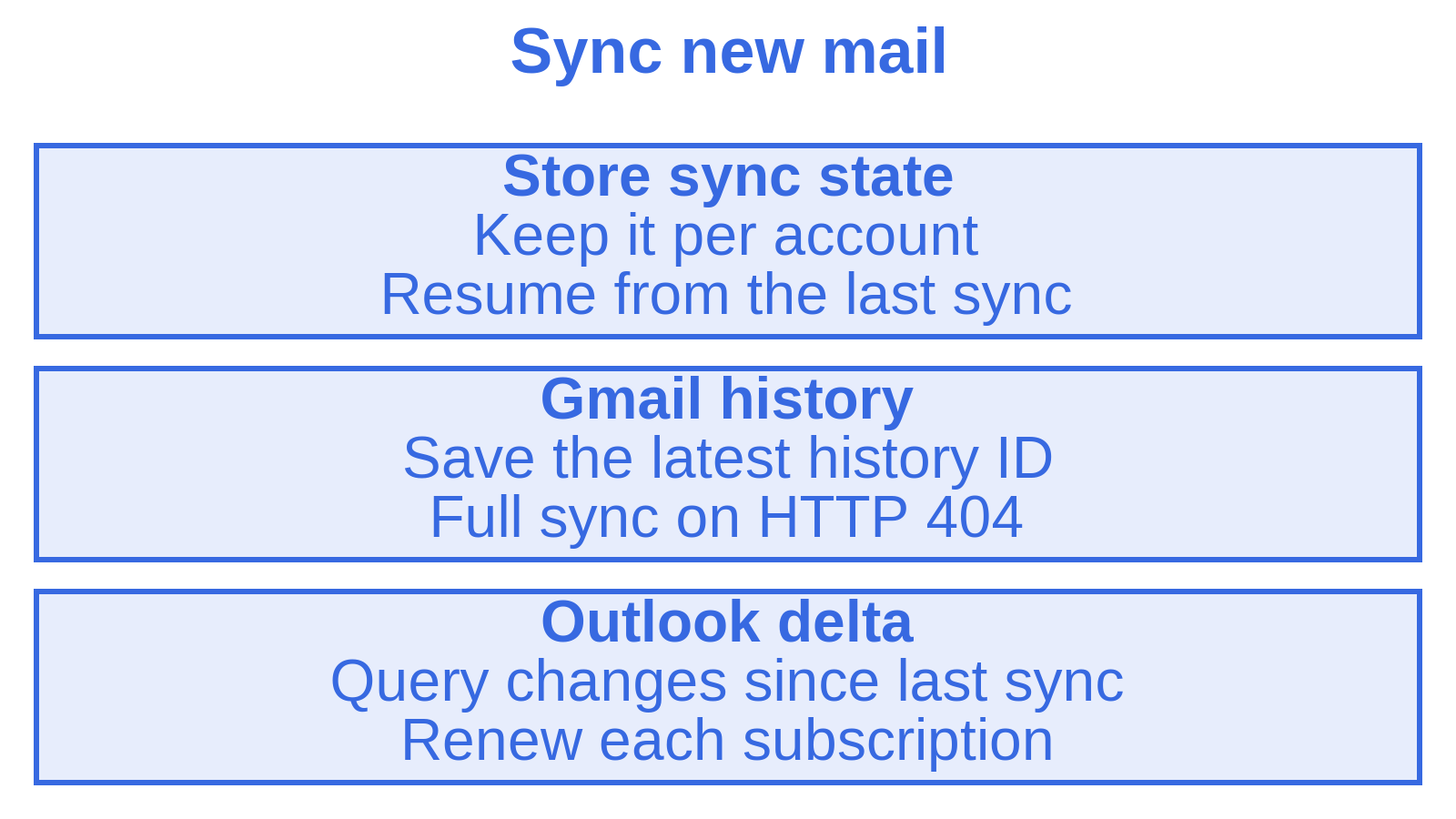
To fetch the changes since the last sync in Outlook, use a delta query such as /me/messages/delta. Base renewal on your subscription type's lifetime. A vendor's example cites a 72-hour renewal window.
Store sync state for each account so it can resume from its own last sync.
Security, quotas and reliability to plan for
Prompt injection
Treat inbound mail as untrusted. Google's MCP documentation warns that untrusted text shown to a model can steer it through indirect prompt injection. MCP hosts can read, modify and delete data in the Google Account. Google recommends screening prompts and responses with Model Armor or a documented custom solution. If you grant gmail.modify on someone's account, plan for hostile email. Narrow the scopes. Have a person approve sends.
Sending limits
Check two limits before sending with Gmail. For daily sending, a guide reports about 500 emails for standard Gmail accounts and roughly 2,000 for Google Workspace accounts. It also reports a per-user rate of 250 quota units per second and a cost of 100 units per messages.send call. Check Google's current docs. See the Gmail API integration guide for those figures. For how the account caps apply in practice, see our Gmail sending limits guide.
A pre-launch checklist
- Publish the OAuth consent screen out of Testing.
- Choose the scopes the job requires. Write down why the agent needs each one.
- Keep stored refresh tokens encrypted. Set an alert for invalid_grant errors.
- Build and test a full sync for when a Gmail history ID expires.
- Schedule Graph subscription renewal.
- Set a daily sending cap per connected account. Have a person approve irreversible actions.
Perspective: why we give agents mailboxes of their own
We talk to a lot of teams that started with a Gmail connection and ended up maintaining a small email platform by accident. The OAuth grant was the easy part. Then came expiring tokens, per-account quotas, two different reply implementations, a poller, a parser and a webhook relay, each with its own failure mode.
Our view is that the inbox an agent works in should be infrastructure you provision, not a personal account you borrow. In Qubrics, you can provision a mailbox for an agent, customer, workspace or tenant on the included @myagent.mx domain or on a custom domain verified for receiving, within your team's mailbox limit. The Mailbox API gives you access to persistent messages, threads, folders, message keywords and attachments.
We also think agents should read less. The Mailbox API can return cleaned message text with quoted history stripped, so the agent can read the new reply. Counts, snippets and filtered searches let it retrieve just the information it needs. Passing less message text to the model can reduce the tokens it processes.
Teams can send through Gmail OAuth, Outlook or custom SMTP accounts they connect to Qubrics. Managed Amazon SES is also available. Delivery groups route mail through eligible providers, and you can configure provider quotas and weights. Existing accounts can handle outbound mail while the agent keeps its own conversation history in its mailbox.
When a dedicated agent mailbox fits better
A direct connection to a person's inbox is the right tool when the agent genuinely needs that person's mail. A dedicated mailbox fits when any of these are true:
- You provision per tenant. Give the customer's agent an identity of its own and keep its keys and logs within that tenant's scope.
- The agent is the correspondent. A support or scheduling agent can use its own address and keep its conversations in that mailbox.
- You send from your own providers. Send outbound mail through the connected Gmail, Outlook or custom SMTP accounts the customer uses. Keep the agent's conversation history in its own mailbox.
- You want one mailbox interface. Use the Qubrics Mailbox API to read thread messages and send from the authenticated mailbox.
- You want new-mail notifications. Webhooks can notify your service when mail arrives. Mailbox API state tokens let your agent fetch typed changes since its previous sync.
Our comparison, why Gmail and SendGrid fall short for agents, goes deeper on this trade-off.
Getting started with Qubrics
The Free plan costs US$0 per month per team. You can provision a mailbox and try the flow with the included usage credit. Pro is US$7 per month per team. Connected outbound costs US$0.0005 per provider-accepted recipient occurrence. Managed sending costs US$0.00075 per provider-accepted recipient occurrence. Inbound costs US$0.0005 per distinct mailbox delivery, and storage costs US$0.02 per decimal GB-month. Enterprise pricing is custom. See the pricing page for details.
The route most developers take:
- Create a mailbox on @myagent.mx or on a custom domain you have verified for receiving.
- Connect your agent through the REST API, an SDK, the CLI or authorised MCP tools. See the agent builder page for agent setup.
- To use your own providers, add your Gmail, Outlook or custom SMTP sending accounts and configure their quotas and weights. You can also send through managed Amazon SES.
- Subscribe a webhook for inbound events and read cleaned message text through the mailbox API.
See the Sending API for outbound routes and inbound mailboxes for receiving mail.
Sources
Recommended
Frequently Asked Questions
Can I connect a Gmail inbox to an AI agent without writing OAuth code?
A compatible AI application can run the OAuth flow for Google's remote Gmail MCP server. First set up the consent screen and OAuth client ID. Request the scopes the agent needs, then enter the server URL and authentication details in the application.
Which Gmail scope should my agent use?
A morning digest can use gmail.readonly. A notifier can use gmail.send, and an agent that manages drafts and sends can use gmail.compose. If it also labels or archives mail, use gmail.modify. Google advises requesting the full `https://mail.google.com/` scope only for apps that must permanently delete mail.
How do I connect an Outlook inbox for an agent?
Register the app in the Azure Portal. Grant delegated access. Use Mail.Read to read, Mail.ReadWrite to change messages and Mail.Send to send. Request offline_access when the app needs a refresh token. For personal accounts, use the authorisation-code flow with PKCE, with device-code as an option for agents in a terminal. With the token, use Microsoft Graph to list or read messages and call the reply endpoint to respond in the original thread.
Why do my Gmail tokens keep expiring?
Start with the OAuth consent screen. A refresh token for an external app in Testing can expire after 7 days. Publish to Production or use Internal if your organisation qualifies. Check when the app last used the refresh token. It can also lapse after about 6 months without use.
Do I need a separate mailbox for every agent?
Sharing an inbox can work when several agents handle the same conversations. If you run a support agent per customer, give each agent its own address and history. Qubrics lets you provision those mailboxes on @myagent.mx within your team's mailbox limit and read threads through the Mailbox API. See the [agent builder page](https://sendmux.ai/solutions/ai-agent-builders) for connection steps.
